How to Make Product Photos of Wall Art Without Printing It First
Last updated: July 4, 2026
How to make product photos of wall art without printing it: digital room mockups cost $0-15 vs $30-80 per physical sample. Step-by-step for Etsy and POD sellers.
Posted by
 Basti
BastiRelated reading
Best Tools to Promote Contemporary Art Exhibitions Online (2026)
Promote contemporary art exhibitions online: Meta ads, email, Instagram, PR. Pair paid reach with MOCKLIO room stills and cinematic reels so the show looks owned before opening night.
Commercial Gallery Instagram: Catalogue vs Opening
Split commercial gallery Instagram into MOCKLIO catalogue hangs and real opening footage. One roster cadence across locations; camera stays for people.
How Galleries Create Instagram Content Without a Videographer
Gallery Instagram without a videographer: batch MOCKLIO cinematic reels from artwork photos, keep event filming for openings, and scale with Atelier or Gallery plans.
Short answer: You do not need a physical print for professional wall art product photos. Upload your digital file to a room mockup tool, place it in a styled interior, and export listing-ready images in minutes. Etsy and POD sellers cut sample costs from $30 to $80 per design to near zero.
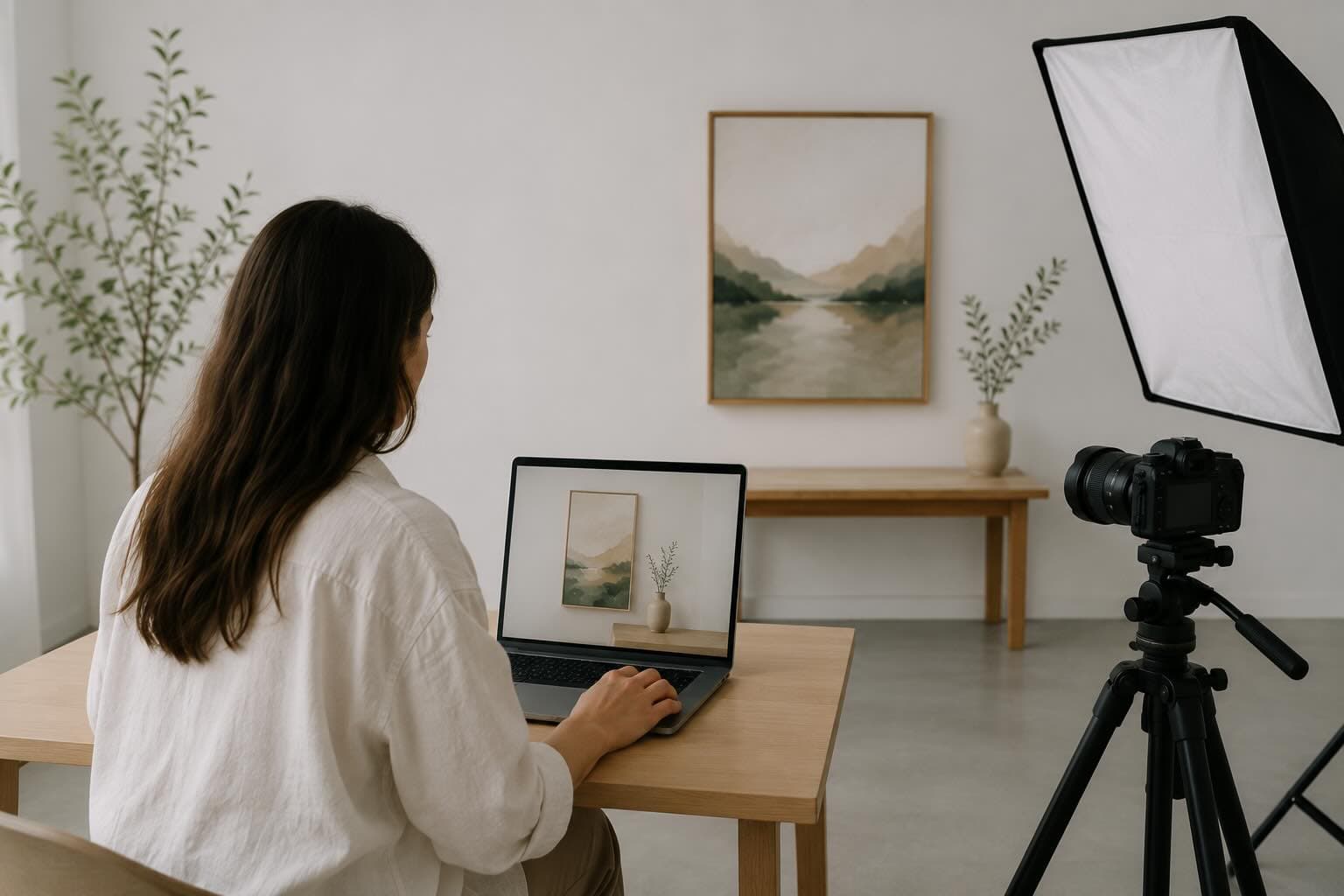
Table of Contents
- Why Etsy and POD Sellers Skip Physical Samples
- Physical Print vs Digital Mockup: Cost and Time
- 7 Steps to Product Photos Without Printing
- The MOCKLIO Workflow for High-Volume Catalogs
- Common Objections
- FAQ
- Key Takeaways
- Conclusion
Why Etsy and POD Sellers Skip Physical Samples
If you sell wall art on Etsy or through Printful, Printify, or Gelato, you already have the asset that matters: the digital file. Ordering samples, waiting for shipping, and photographing each design is a workflow built for physical inventory. POD sellers run hundreds of SKUs with zero warehouse. Every sample eats margin before a sale.
Buyers scroll past flat white-background files. They stop on art shown above a sofa or in a bedroom. Modern room mockups use photorealistic photorealistic room interiors with accurate lighting and scale. Context sells. You do not need ink on paper to create it.
For a deeper dive on why room scenes outperform flat files on Etsy, see our complete art mockups for Etsy sellers guide.
Physical Print vs Digital Mockup: Cost and Time
Here is the math most POD sellers run before they switch to digital product photos. Numbers vary by size and supplier, but these ranges reflect what we hear from artists managing 50 to 500 listing SKUs.
| Step | Physical sample + photo | Digital room mockup |
|---|---|---|
| Sample print cost | $15 to $45 per design | $0 |
| Shipping | $5 to $15 | $0 |
| Photo setup (lighting, backdrop) | $0 to $200 (one-time gear) | $0 |
| Time per design | 3 to 7 days (print + ship + shoot) | 3 to 5 minutes |
| Mockup tool cost | N/A | $0 to $15 per month |
| Total per design (rough) | $30 to $80 | $0 to $15 |
| Listing conversion lift | Baseline (flat photo) | 2 to 3x with room mockups |
A 100-design catalog can cost $3,000 to $8,000 in samples alone. Digital mockups let you list the same day you finish the design. MOCKLIO artists cut turnaround from 3 days per listing to about 3 minutes.
7 Steps to Product Photos Without Printing
Whether you sell original paintings, digital downloads, or print-on-demand posters, this workflow produces Etsy-ready product photos from your source file alone.
1. Export your artwork at print resolution
Use the same high-resolution JPG or PNG you upload to your POD supplier. Aim for 300 DPI at your largest print size.
2. Choose a room scene that matches your niche
Minimalist art fits Scandinavian rooms. Bold abstracts work in gallery settings. Match the room vibe to your buyer.
3. Upload and position the artwork on the wall
Adjust scale so the print looks proportional to furniture below it. Buyers use this to judge size before they read your listing.
4. Select frame style and mat options
Match the frame to what your POD supplier actually offers. Show what the buyer receives, not a style you cannot fulfill.
5. Export your hero image at listing resolution
Etsy recommends at least 2000 pixels on the shortest side. Export your room mockup as the first listing image and search thumbnail.
6. Add supporting images to the listing
Use images 2 through 5 for a flat close-up, size chart, second room style, and detail crop. No physical print required.
7. Optional: add a cinematic video reel
Etsy listings with video get higher engagement. A 10-second camera drift toward your art adds emotional proof stills cannot match.
The MOCKLIO Workflow for High-Volume Catalogs
POD sellers need speed without per-download fees. Upload a file, pick a photorealistic room scene scene, and download gallery-quality mockups in minutes. Image mockups are free with no credit limit. Artists using MOCKLIO room scenes report 2 to 3x better listing conversion than flat photos, with turnaround dropping from 3 days to about 3 minutes per design.
POD-specific workflows, bulk catalog tips, and scene selection by niche are covered on our MOCKLIO for POD sellers page. For a focused guide on print-on-demand wall art mockups, see print-on-demand art mockup. Current plans and video pricing are on MOCKLIO pricing.
Common Objections
"Buyers will know it is not a real photo."
Buyers want scale and style, not proof you held the print. Photorealistic room mockups answer both. Pair your hero with a flat close-up as image 2.
"Etsy requires real product photos."
Etsy requires accurate representation. A mockup showing your actual artwork at realistic scale is valid for POD. Do not show frames or sizes you do not offer.
"I need samples to check print quality anyway."
Order one sample per paper type, not per design. Use it for a quality close-up. Mockup every other SKU from the digital file.
FAQ: Product Photos Without Printing
Can I use digital mockups on Etsy instead of real photos?
Yes. Etsy allows mockups for POD items when they accurately represent the product. Show your artwork at the correct scale and frame style.
Do print-on-demand buyers trust mockup photos?
Buyers trust context. Room mockups help them visualize the print on their wall. Flat files feel like clip art. Room scenes feel like home decor.
What resolution do I need for Etsy listing mockups?
Etsy recommends at least 2000 pixels on the shortest side. MOCKLIO exports above this by default.
How long does it take to create mockups vs ordering samples?
Physical samples take 3 to 7 days per design. Digital mockups take 3 to 5 minutes once you know your scene preferences.
Are digital mockups legal for commercial Etsy listings?
Yes, if you own the artwork and the mockup matches your product. MOCKLIO exports are cleared for Etsy, Shopify, social, and paid ads.
Key Takeaways
- You do not need a physical print to create professional wall art product photos for Etsy or POD listings.
- Physical sample workflows cost $30 to $80 per design and take days. Digital mockups cost $0 to $15 and take minutes.
- Room scene mockups drive 2 to 3x better listing conversion than flat white-background images.
- MOCKLIO cuts listing photo turnaround from 3 days to about 3 minutes per design with free unlimited image mockups.
- Order one sample per paper type for quality checks, not one per SKU. Mockup everything else from the digital file.
Related Guides
Conclusion
POD sellers do not have a photography problem. They have a workflow problem. Upload your digital file, place it in a photorealistic room, and list the same day you finish the design. Try MOCKLIO free and launch your next collection without ordering a single sample.