Etsy Listing Photos for Wall Art: How to Get Mockups That Convert
Last updated: July 4, 2026
Etsy listing photos for wall art: use room mockups as your hero image, follow Etsy's 10-photo sequence, and convert more buyers than flat product shots.
Posted by
 Basti
BastiRelated reading
Reels vs Carousels for Selling Art in 2026
Reels win reach. Carousels win saves, size, and price. Buffer 2025: Reels get 125% more reach than single images. MOCKLIO builds both from one scene.
Best Tools to Promote Contemporary Art Exhibitions Online (2026)
Promote contemporary art exhibitions online: Meta ads, email, Instagram, PR. Pair paid reach with MOCKLIO room stills and cinematic reels so the show looks owned before opening night.
Commercial Gallery Instagram: Catalogue vs Opening
Split commercial gallery Instagram into MOCKLIO catalogue hangs and real opening footage. One roster cadence across locations; camera stays for people.
Short answer: The best Etsy listing photos for wall art are lifestyle room mockups, not flat white-background files. Lead with a styled interior that shows scale and mood, then add detail and size reference shots. Upload your artwork to a mockup tool, pick a room scene, and export listing-ready images in minutes.
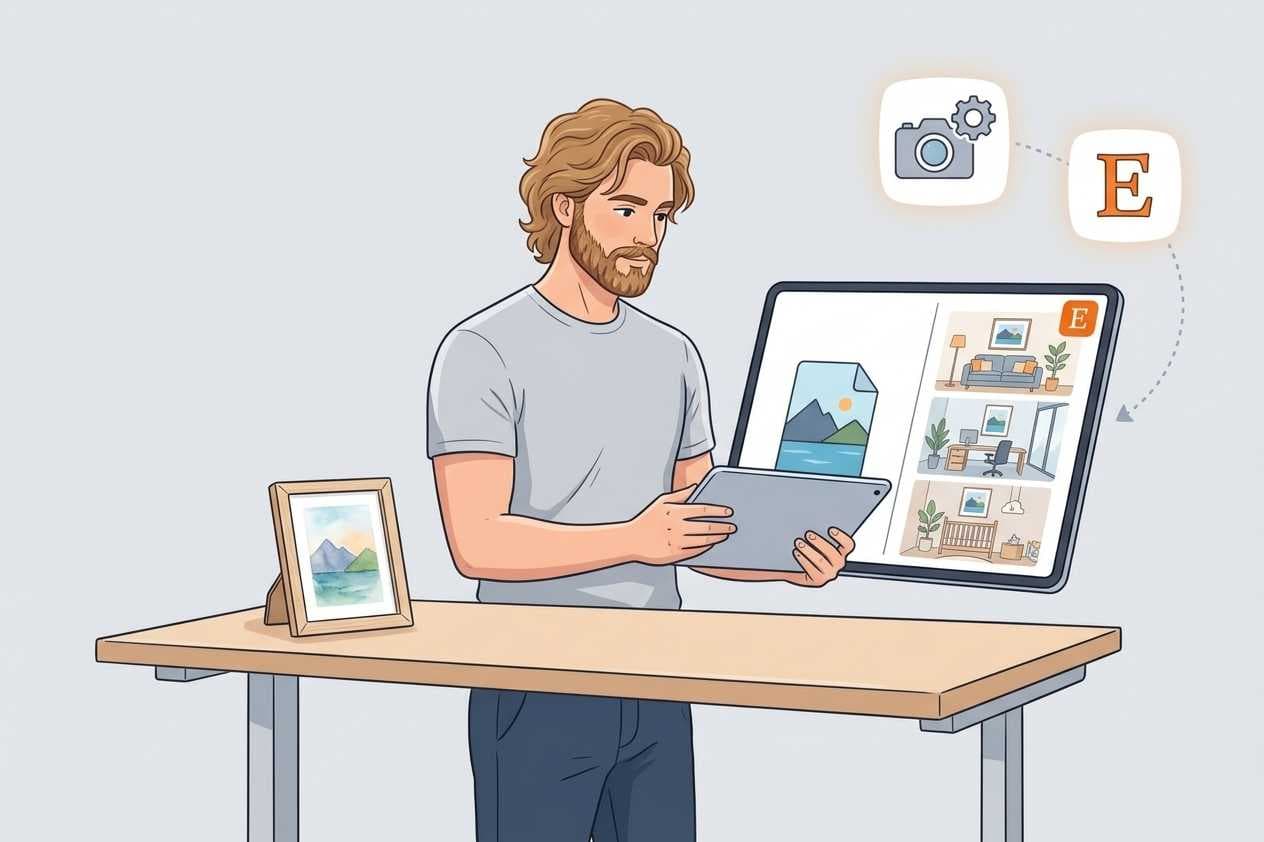
Table of Contents
- Why Etsy Listing Photos Decide Your Sales
- Flat Photo vs Room Mockup: What Changes
- Etsy Image Guidelines: 10 Photos, Lifestyle First
- How to Create Etsy Wall Art Mockups (Step by Step)
- Choosing Room Scenes That Match Your Art
- MOCKLIO Platform Data
- Common Objections About Room Mockups
- Related Guides
- FAQ
- Key Takeaways
- Conclusion
Why Etsy Listing Photos Decide Your Sales
On Etsy, your first listing image is your storefront. It appears in search results, ads, and shop grids. Buyers compare dozens of prints in seconds. The thumbnail that stops the scroll wins the click. Everything else, title, tags, reviews, only matters after that.
Wall art is a visualization purchase. Buyers are not just evaluating color and composition. They are asking whether the piece fits their sofa, their wall color, and their room size. A flat file on white answers almost none of that. A room mockup answers it instantly.
Etsy has publicly stated that lifestyle and in-context images outperform plain product shots on click-through and conversion. For wall art sellers, upgrading listing photos from flat files to room mockups is often the highest-ROI change you can make without spending on ads.
Flat Photo vs Room Mockup: What Changes
Picture two identical abstract prints listed on Etsy. Listing A uses a flat scan on a white background. Listing B shows the same print framed above a sofa in a warm living room. Nothing about the artwork changed. Only the environment did.
Listing A tells the buyer what the art looks like. Listing B tells the buyer what owning it feels like. That emotional bridge is what drives clicks and carts. Across MOCKLIO artist cohorts, room mockups drive roughly 3x more social engagement and 2 to 3x better conversion to inquiries than flat photos alone.
| Factor | Flat white-background photo | Room mockup |
|---|---|---|
| Buyer question answered | What does the art look like? | Would this work in my home? |
| Search thumbnail impact | Blends in with competitors | Stands out in results grid |
| Scale perception | Hard to judge from dimensions | Clear relative to furniture |
| Typical conversion signal | Baseline | 2 to 3x inquiry lift vs flat alone |
You still need a clean flat reference image later in the sequence for buyers who want an accurate color read. Lead with lifestyle. Follow with facts.
Etsy Image Guidelines: 10 Photos, Lifestyle First
Etsy allows up to 10 listing photos per product. Use all of them for wall art. The platform recommends a minimum of 2000px on the shortest side. Lifestyle images should lead the sequence because they drive click-through from search.
Here is the sequence top Etsy art shops use:
- Photo 1 (hero): Best room mockup. Aspirational interior, correct scale, warm lighting.
- Photos 2 to 3: Alternate room scenes (bedroom, office) to show versatility.
- Photo 4: Flat artwork on neutral background for color accuracy.
- Photo 5: Close-up detail showing texture or print quality.
- Photo 6: Size reference next to furniture or a common object.
- Photos 7 to 10: Framing options, gallery wall arrangements, or listing video.
Etsy now supports listing video. A 10-second cinematic room clip in slot 7 or 8 boosts time on listing for top sellers. See our room mockup video generation guide for how to create one from the same artwork file.
How to Create Etsy Wall Art Mockups (Step by Step)
You do not need Photoshop or a physical print. The workflow below works for originals, giclee prints, and print-on-demand catalogs.
- Export a clean artwork file. High-resolution JPG or PNG with even lighting. Remove backgrounds if your tool requires it.
- Choose a room that matches your buyer. Living rooms and bedrooms sell fastest for residential art. Offices and gallery scenes work for corporate buyers.
- Set scale and frame style. Size the artwork relative to furniture so dimensions feel real. Match the frame to what you actually sell.
- Generate multiple angles. Export a hero shot plus one or two alternate rooms for photos 2 and 3.
- Add factual images. Include a flat reference, a detail crop, and a scale image to complete the 10-photo sequence.
- Upload to Etsy and monitor CTR. Replace the hero image first. Check Etsy Stats after 30 days for click-through changes.
MOCKLIO compresses steps 2 through 4 into a single upload flow. Image mockups are free with unlimited downloads. Most sellers finish a full listing image set in under ten minutes. For POD sellers who skip physical samples entirely, read how to make product photos without printing first.
Choosing Room Scenes That Match Your Art
Room selection matters as much as image quality. A minimalist line drawing reads best in a bright Scandinavian living room. Bold abstract work often pops against darker walls or industrial loft settings. Botanical prints perform well in bedrooms and kitchens where buyers imagine calm, natural spaces.
Match the room to your target buyer, not your personal taste. If you sell nursery art, use soft bedroom scenes with neutral furniture. If you sell large statement pieces, pick rooms with high ceilings and open wall space so scale reads correctly. Wrong room context can make great art look out of place.
Generate at least two room variants per listing. Buyers who do not connect with the hero scene may click because photo 2 shows a different interior. Variety signals that your art works in multiple settings, which reduces purchase hesitation.
Common Objections About Room Mockups
"Buyers want to see the actual artwork, not a staged room."
Room mockups do not hide the art. They show it in context. Use the room scene as photo 1 for emotional click-through, then include a flat artwork image as photo 4 for color accuracy. You get both conversion and transparency in one listing.
"Mockups look fake and hurt trust."
Overly staged or low-quality mockups do hurt trust. Photorealistic room scenes with correct scale and natural lighting perform differently from cheap template overlays. Modern photorealistic interior mockups read as professional product photography, not clip art.
MOCKLIO Platform Data
On MOCKLIO, artists who switched hero listing images from flat files to room mockups report roughly 2 to 3x better conversion to shop clicks and inquiries. Mockup production time dropped from days (outsourced shoots or DIY studio setups) to under three minutes per image inside the app.
Cinematic art video volume on the platform grew from 6 to 74 per month over six months as Etsy sellers added cinematic listing clips alongside static mockups. Listings that pair both formats see the strongest engagement on mobile, where buyers scroll fast and pause on motion.
MOCKLIO is built for this Etsy workflow specifically: upload once, generate room scenes, export listing-ready files, and optionally add a 10-second reel for your video slot. For the full seller playbook, see MOCKLIO for Etsy sellers.
Related Guides
- MOCKLIO for Etsy sellers for the complete seller workflow
- Product photos without printing for POD catalogs
- Room mockup video generation for listing video and Reels
FAQ
What are the best Etsy listing photos for wall art?
Lead with a lifestyle room mockup that shows scale and mood. Follow with alternate room scenes, a flat color reference, a detail close-up, and a size image. Use all 10 photo slots when possible.
Do room mockups increase Etsy sales?
Yes. Room scene mockups consistently improve click-through rate and conversion compared to white-background photos. Etsy confirms that in-context images outperform product-only shots in search.
What size should Etsy wall art mockups be?
Etsy recommends at least 2000px on the shortest side. MOCKLIO exports high-resolution files that exceed this minimum by default.
Can I use mockups for Etsy print-on-demand listings?
Yes. Upload the same JPG or PNG source file you send to Printful or Printify. Generate room mockups in MOCKLIO and use them as listing photos. No physical sample required.
Should I add video to my Etsy art listings?
For top sellers, yes. A 10-second cinematic room clip increases time on listing and works across Instagram Reels and TikTok from the same cinematic art video. Start with your best 3 to 5 listings.
Key Takeaways
- Your hero listing image is the highest-leverage asset in your Etsy shop.
- Room mockups outperform flat photos because they answer the buyer question that matters: will this work in my home?
- Use all 10 Etsy photo slots: lifestyle first, factual images second.
- MOCKLIO generates listing-ready mockups in minutes, free for still images.
- Pair static mockups with cinematic video on your top listings for the strongest mobile engagement.
Conclusion
Etsy listing photos for wall art are not a branding exercise. They are a conversion tool. Replace your flat hero image with a room mockup, structure the remaining nine slots around buyer doubts, and monitor click-through in Etsy Stats. Most sellers see the lift within 30 days.
For stills and cinematic art video, try MOCKLIO art mockups.
The workflow is fast. Upload your artwork, pick a room, export, and publish. No printer, no photographer, no inventory. Just listing photos that help buyers see your art on their wall before they buy.
MOCKLIO Team