Video Mockup Generator for Artists: Make Reels Without Filming (2026)
Last updated: August 13, 2026
Video mockup generator for artists: choose a room, upload your artwork, get a 10-second cinematic reel. Also works as an Instagram reel mockup generator — no filming required.
Posted by
 Basti
BastiRelated reading
How Galleries Create Instagram Content Without a Videographer
Gallery Instagram without a videographer: batch MOCKLIO cinematic reels from artwork photos, keep event filming for openings, and scale with Atelier or Gallery plans.
Fine Art Print Retailers: Room Video on Hero SKUs
Fine-art print retailers: unlimited room stills for the catalog; cinematic room video on hero SKUs for PDP and ads. Giclée and limited editions, not POD.
Gallery Content Pack: Reel, Stills, Carousel, Captions
Gallery content pack from one hang: 10s Reel, 12.5s cinematic cut, three stills, carousel, captions. Loop Hub and Share Pack for catalogue teams.
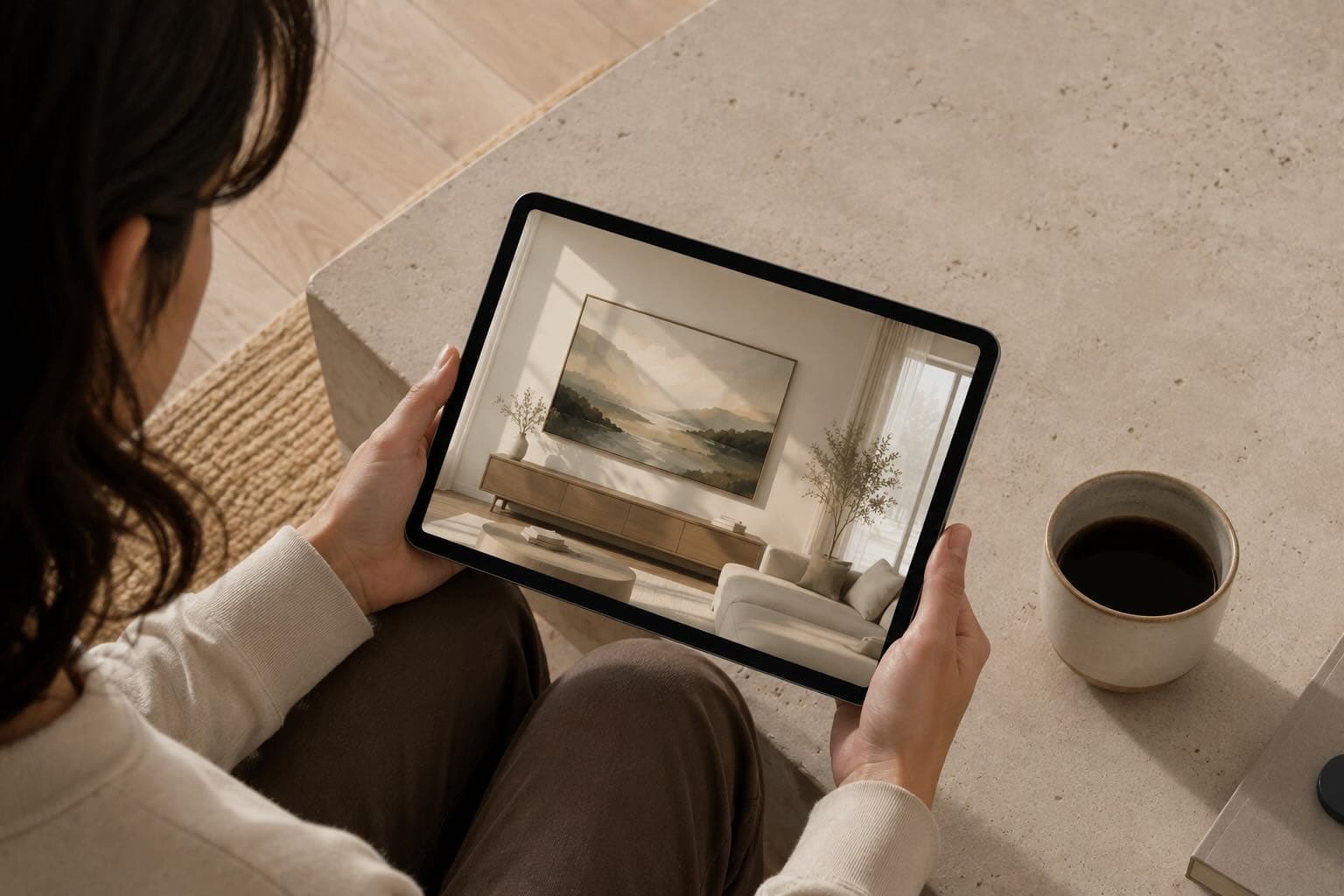
Short answer:A room mockup video is a 10-second cinematic clip that places your flat artwork on a wall inside a photoreal interior, then moves the camera so buyers feel scale and light. You choose a room, upload your artwork, and MOCKLIO returns a Hollywood-level cinematic MP4 for Reels, TikTok, Shorts, and Etsy's video slot. Still mockups stay free forever on MOCKLIO; spend a video credit when you need motion for a drop or listing hero.
Key Takeaways
- Room mockup video = artwork + interior scene + camera motion, not a Ken Burns zoom on a white JPEG.
- MOCKLIO creates ~10-second ultra-realistic cinematic reels; still mockups remain free and unlimited.
- Spend video credits on bestsellers, launches, and Etsy video slots; keep stills for the rest of the catalog.
- Pair one still hero with one reel per piece for listing clarity plus short-form reach.
What Is Room Mockup Video Generation?
Room mockup video generation places your painting, print, or illustration on a wall inside a photoreal interior, then adds intentional camera moves. Buyers get answers static crops skip: Does it clear the sofa? How does the palette read in warm light? Is the scale honest?
Phone pans of a canvas against a messy wall rarely hold completion rate. Glare, bad shadows, and zero furniture context kill watch time. A dedicated room mockup video generation tool skips the shoot: one clean flat file in, MP4 out.
For the full product path (still + motion from one upload), see cinematic art video and the video mockup generator.
When Should You Use Still Mockups vs Video Credits?
Still mockups win for shop grids, Etsy photo slots 2–10, print ads, and portfolio grids where buyers zoom. Video wins for discovery feeds and the single Etsy video slot where motion stops the thumb.
| Job | Still mockup | 10s cinematic reel |
|---|---|---|
| Cost on MOCKLIO | Free forever, unlimited | $12/credit à la carte; Pro $19/mo includes 2 |
| Best use | Listing clarity, size proof, carousels | Reels, TikTok, Shorts, Etsy video slot |
| Production | Seconds in-app | Cinematic generation, ready in minutes to hours |
| Spend credits when | Always available | Drop, bestseller, or paid campaign creative |
Pricing from MOCKLIO config: free plan stills never burn credits. One-off video credits are $12 ($6 on the first free-plan promo). Pro is $19/mo with 2 video credits (extra videos $11). Studio is $39/mo with 5 credits (extra $10). Do not treat Pro as unlimited video.
Why Cinematic Room Reels Beat Phone Pans and Zoom Templates
MOCKLIO's cinematic reels are not CapCut templates or Ken Burns zooms. Your artwork is placed in an ultra-realistic interior at true scale, with Hollywood-level lighting, shadows, and camera motion—so the piece reads like a gallery walkthrough, not a stock overlay.
Output length is built for short-form: about 10 seconds with a few camera moves. Long enough to establish room context. Short enough to loop on Reels without a mid-clip drop-off.
How Do You Make a Room Mockup Video Step by Step?
Start with a clean flat photo (even daylight, no glare, longest side at least ~1500px). Then:
- Choose a room that matches your buyer (living room for residential prints, gallery/office for collectors).
- Upload your artwork file (clean flat photo, even light).
- Set artwork scale and frame to match the real product dimensions.
- Get your 10-second cinematic reel (not a slideshow of stills).
- Export MP4 once; reuse for Reels, TikTok, Shorts, Pinterest, and Etsy's video slot with platform-specific captions.
Full UI walkthrough: room mockup video generation. Deeper no-camera playbook: cinematic art videos without a camera.
What Caption Formula Works With Size and Price?
Lead with placement, then facts. Example: "What a 24×36 oil looks like above a grey sofa. Original · $1,450 · ships US rolled. Link in bio for the room stills." Size + medium + price (or DM for quote) beats vague "new work" captions.
On muted autoplay, put dimensions on-screen in the first two seconds. Facebook and Instagram Reels often play silent; the mockup does the emotion, the text does the logistics.
FAQ
How do I make a video mockup without filming?
Choose a room, upload your artwork, and get a 10-second cinematic room reel. No camera, lights, or timeline edit required.
Are still mockups free on MOCKLIO?
Yes. Unlimited still mockups stay free forever. Video uses credits ($12 each à la carte, or plan allotments on Pro/Studio).
How long should an art room mockup video be?
About 10 seconds. That matches Reels completion habits and Etsy's 5–15 second listing video window.
Can I use one export on Etsy and Instagram?
Yes. Same MP4; rewrite the caption per channel. Put the clip in Etsy's video slot and pin a Reel with size/price facts.