How to Choose a Mockup Generator for High-Res Portfolio Images (2026)
Last updated: November 2, 2026
Checklist for picking a mockup generator for high-resolution portfolio images: export DPI, crop safety, video, license, and portfolio vs social. MOCKLIO checklist included.
Posted by
 Basti
Related reading
AI Picks the Room for Your Art Mockup
Not sure which room to mockup a painting in? MOCKLIO AI matches a room to each piece when you drop a series, up to 50 artworks.
How to Make an Art Carousel Without Canva
Build an Instagram art carousel from the same room scene as your Reel. No Canva templates. MOCKLIO auto-builds slides and writes the caption.
How to Batch Create Art Content for a Drop
Drop a whole series at once: upload up to 50 artworks, let AI pick a room for each piece, then ship Reels, carousels, and captions together.
Short answer: Choose a mockup generator for high-resolution portfolio images by scoring export resolution, print-ready crop control, video output, commercial license, and whether the same scene feeds portfolio pages and social. Rank tools on that checklist, not on feature count. MOCKLIO wins when you need hi-res stills, cinematic reels from the same scene, and a portfolio that inherits those assets without a second photoshoot.
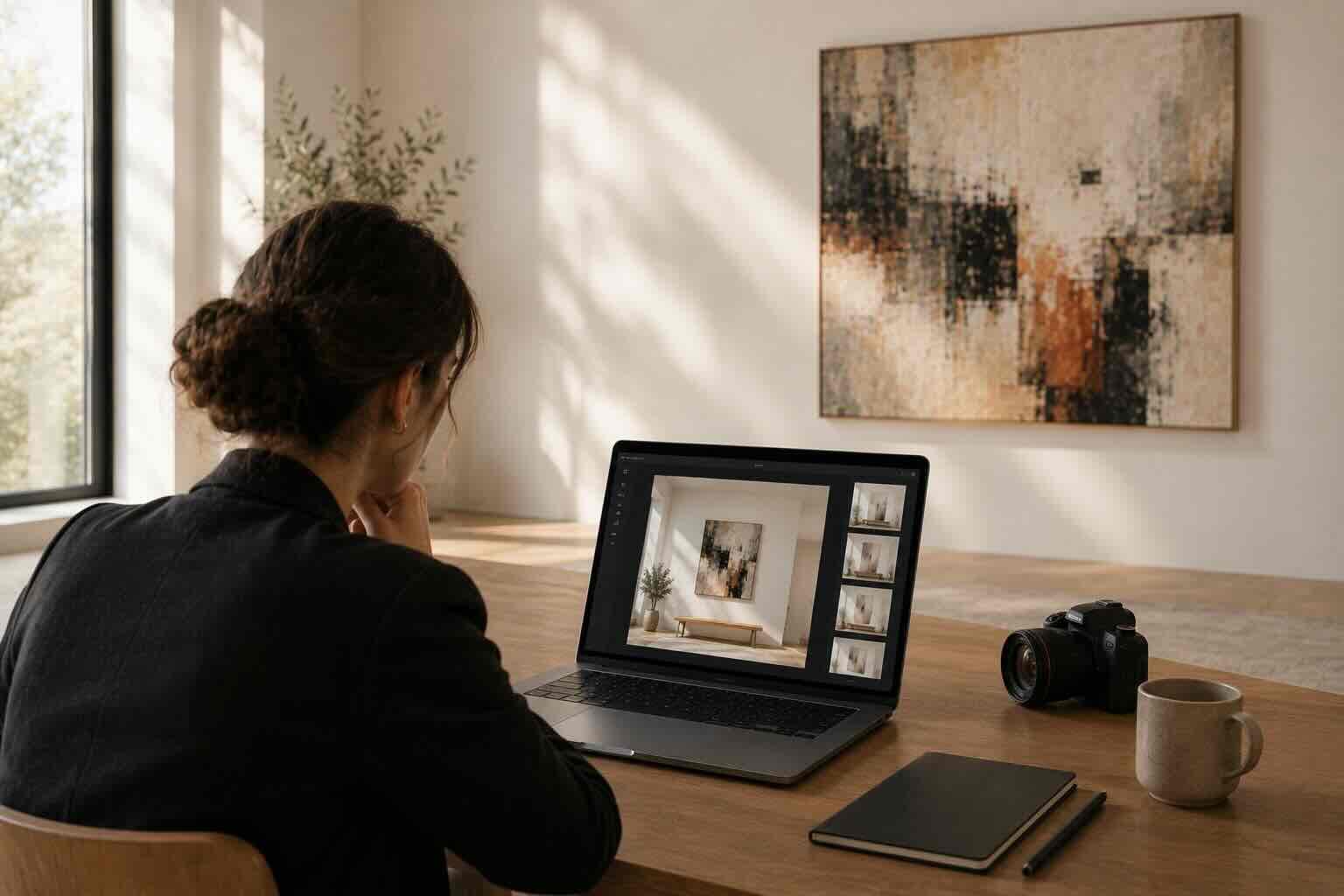
Most "best mockup tools" lists rank logos. Collectors do not. Art Basel and UBS reported that 59% of collectors bought art online in 2024, inside an online art market worth about $10.5B (Art Basel and UBS Survey of Global Collecting). Ninety-three percent of buyers say visuals matter. A soft JPEG on a beige template is not a visual strategy. It is a leak in the funnel.
Professional product photos correlate with roughly 10-33% higher conversion in retail studies. Landing pages with video see conversion lifts in the 80-86% range versus pages without (DigitalApplied, video marketing statistics 2026). Wyzowl finds 89% of people say video quality builds trust. Your mockup tool either produces those assets or forces you into Photoshop, CapCut, and a third app for captions.
When we built MOCKLIO, the portfolio export was not a side feature. Artists were uploading 4000px files and getting 1080px social crops back. That is fine for Reels. It fails when a gallerist zooms a PDF or a collector opens a portfolio on a 5K display. Hi-res stills and cinematic motion had to share one scene file.
Key takeaways
- Score tools on resolution, crop, video, license, portfolio vs social - not on template count.
- Art Basel/UBS 2024: 59% of collectors bought art online; online market ~$10.5B.
- 93% of buyers say visuals matter; pro photos +10-33% conversion; landing video +80-86%.
- MOCKLIO: unlimited hi-res stills on free, cinematic reels, portfolio pages that reuse the same room.
- Reject tools that only ship square social crops or forbid commercial listing use.
What Decision Checklist Actually Matters in 2026?
A mockup generator for portfolio work has five non-negotiables: export resolution high enough for retina portfolios and print comps, crop and aspect control for 16:9, 4:5, and 9:16 without re-staging, video or reel output from the same room, a license that covers sales pages and ads, and a path from mockup to portfolio or listing without re-uploading. Everything else is decoration.
Ranking twenty apps by price or AI buzz misses the job. The job is proof: this painting exists at a real size on a real wall, in a file sharp enough that a collector trusts the website. Instagram Reels hit about 200 billion daily plays in 2025, which is why video belongs on the checklist. Buffer's 2025 analysis of 4M+ posts found Reels get 125% more reach than single images (Buffer, Instagram statistics). Carousels still post around 1.92% engagement when they carry size and price. Your tool should feed both formats.
If a vendor only markets "thousands of templates," ask what happens when you zoom in on a portfolio grid. Template count does not equal print-ready fidelity. Photoreal CGI rooms with locked geometry beat warped smart-object PNGs when the buyer is deciding at $800+, not decorating a moodboard.
How High Should Export Resolution Be for Portfolio Images?
Treat 2000px on the long edge as a floor for web portfolios, and prefer 3000-4000px when you send PDF decks or high-DPI gallery submissions. Social-only exports at 1080px look soft on retina Macs and fail when someone screenshots into a pitch deck. If the tool downsamples your upload before creating the mockup, you already lost detail in brushwork and paper texture.

Early MOCKLIO users kept sending us soft exports and asking if their camera was the problem. The camera was fine. The competitor app was baking a social crop as the master file. We fixed the product so stills stay portfolio-grade while the reel uses the same scene at feed dimensions. One upload. Two jobs.
Print-ready comps (client approvals for editions, mural proposals, framing mockups) need clean edges and no JPEG banding on large color fields. Ask for PNG or high-quality JPEG options. If the only export is a watermarked 720p MP4, that tool is a social toy, not a portfolio system.
Cross-check against your art portfolio layout. Grid thumbnails can be smaller. Hero and piece pages should accept the full hi-res still. Soft heroes teach collectors that your work looks better in person and worse online. That is the opposite of what a remote sale needs.
Portfolio vs Social: Why One Crop Setting Is Not Enough?
Portfolio pages want landscape or square heroes that read as interiors. Reels and TikTok want 9:16. Carousels want 4:5 or 1:1 with room for captions. A generator that locks you into one aspect forces ugly letterboxing or a second staging session. Score tools that re-frame the same hanging for each crop without moving the artwork off the wall.
Social velocity is not portfolio quality. Buffer's +125% Reel reach vs single images is distribution, not diligence. Collectors who tap through still need a sharp still, size callouts, and an inquiry path. That is why the checklist separates "can it make a Reel" from "can the still survive a portfolio zoom." You need both.
MOCKLIO's Loop Hub after your cinematic video is ready is built for that split: carousel stills at 1080×1440 for feed, cinematic video for motion, captions ready to paste, and portfolio add-on so the same room becomes the piece page. You are not exporting into a void and hoping Canva saves you.
Why Does Video Belong on a Still-Image Checklist?
Because buyers do not separate channels the way product managers do. Landing page video lifts conversions by roughly 80-86% in classic web studies. Wyzowl reports 89% of viewers say video quality builds trust. Instagram Reels at ~200B daily plays means discovery is video first. If your mockup tool cannot produce a credible room walk from the same file as the portfolio still, you will rent CapCut and destroy lighting consistency.
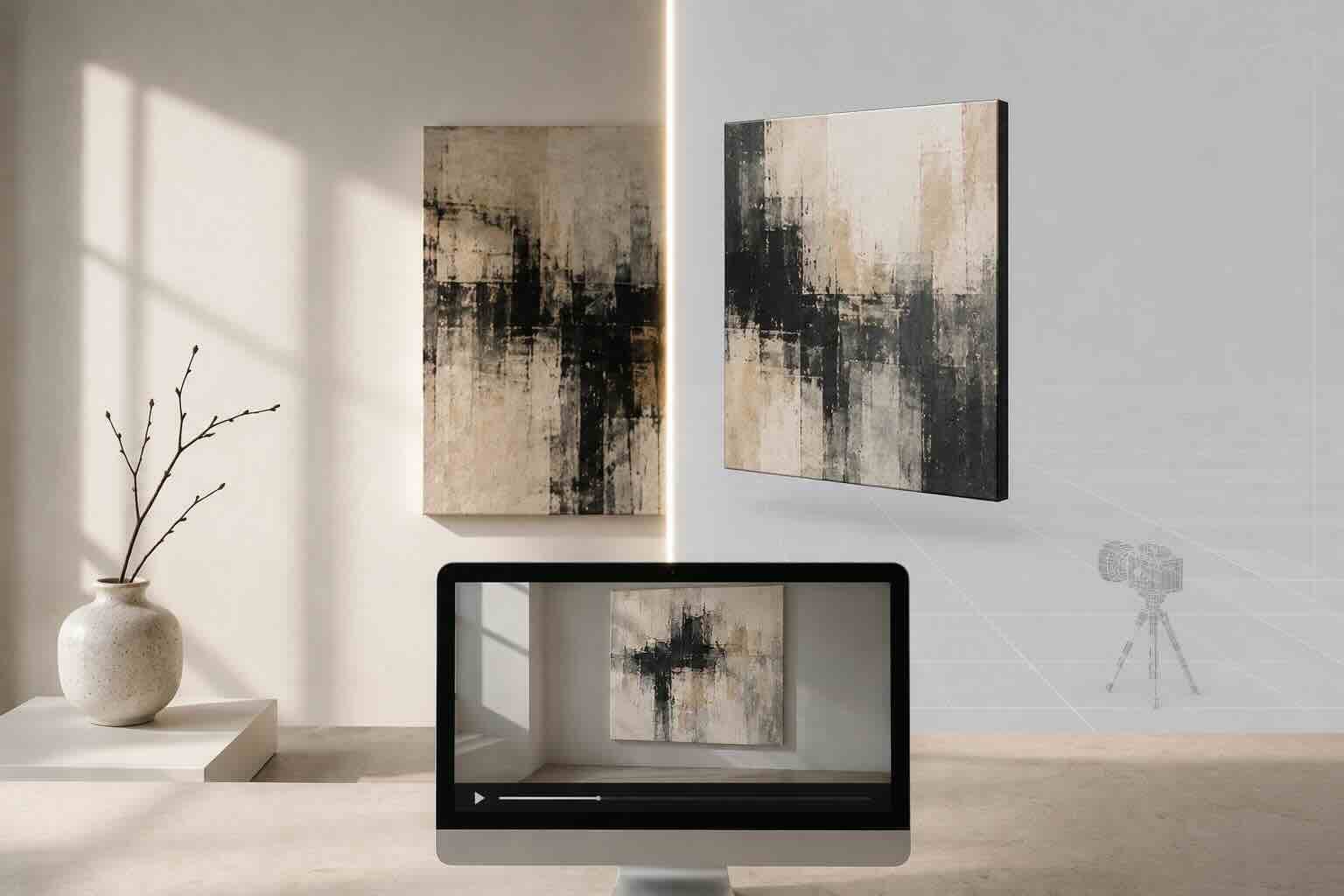
Prefer photoreal CGI camera moves over generative "alive painting" clips when the goal is sales. Collectors need scale and space, not an AI remake of your brushwork. See the CGI vs AI video mockup breakdown if you are comparing motion quality.
Duration matters. A 10-second cut fits Reels, TikTok, and many listing slots. A 12.5-second cinematic cut of the same room scene reads gallery-paced on portfolio embeds. One scene, two downloads. That is a checklist pass. Tools that only give a 3-second ken-burns zoom fail the trust test Wyzowl is pointing at.
What License and Commercial-Use Rules Should You Demand?
Read the fine print before you hang a mockup on Etsy, Artsy, or a paid Meta ad. Some free libraries ban commercial use or force watermarks on paid plans. Portfolio sites are commercial surfaces. So are inquiry landing pages. If the license only allows "personal inspiration," walk away.
Also check whether room photos are stock with model releases and whether the vendor claims rights over your artwork file. You should retain full rights to your art. The vendor licenses the scene. Clear separation prevents weird claims later when a piece sells for five figures and someone Googles the interior.
Watermark-free exports on the plan you actually pay for matter more than a free trial that looks clean for 7 days. Budget for the commercial tier if that is where hi-res lives. Cheap social-only plans often hide portfolio resolution behind upsells.
How Do You Separate Print-Ready Proof From Feed-Ready Content?
Print-ready means the still can survive a client PDF, a framer conversation, or a large monitor without mush. Feed-ready means the same hanging crops cleanly to 9:16 and 4:5 with readable negative space for text stickers. A good generator lets you mark artwork scale accurately so a 90 cm canvas does not look like a postcard on an 8-meter wall.
Scale controls are part of resolution quality. A razor-sharp mockup of wrong scale is still a lie. Collectors punish that lie with silence. Our cohort data shows room mockups converting roughly 2-3x better than white backgrounds when scale is believable. Sharpness without honesty does not close.
If you sell prints, keep a dedicated print-comp export path and a social path. Do not upload the Instagram crop to your portfolio tool. Start from the master still. For roundups of feature-heavy alternatives, use the 10 best wall art mockup tools as a catalog, then run this checklist on the shortlist.
How Should You Score Two Tools Side by Side?
Build a 10-point scorecard. Two points each for: max still resolution, aspect flexibility, video quality and duration, license clarity for sales, portfolio or listing handoff. Run the same artwork through both tools. Zoom to 200%. Mute the video and watch whether the room still sells. Check export filenames for sneaky 1080 caps.
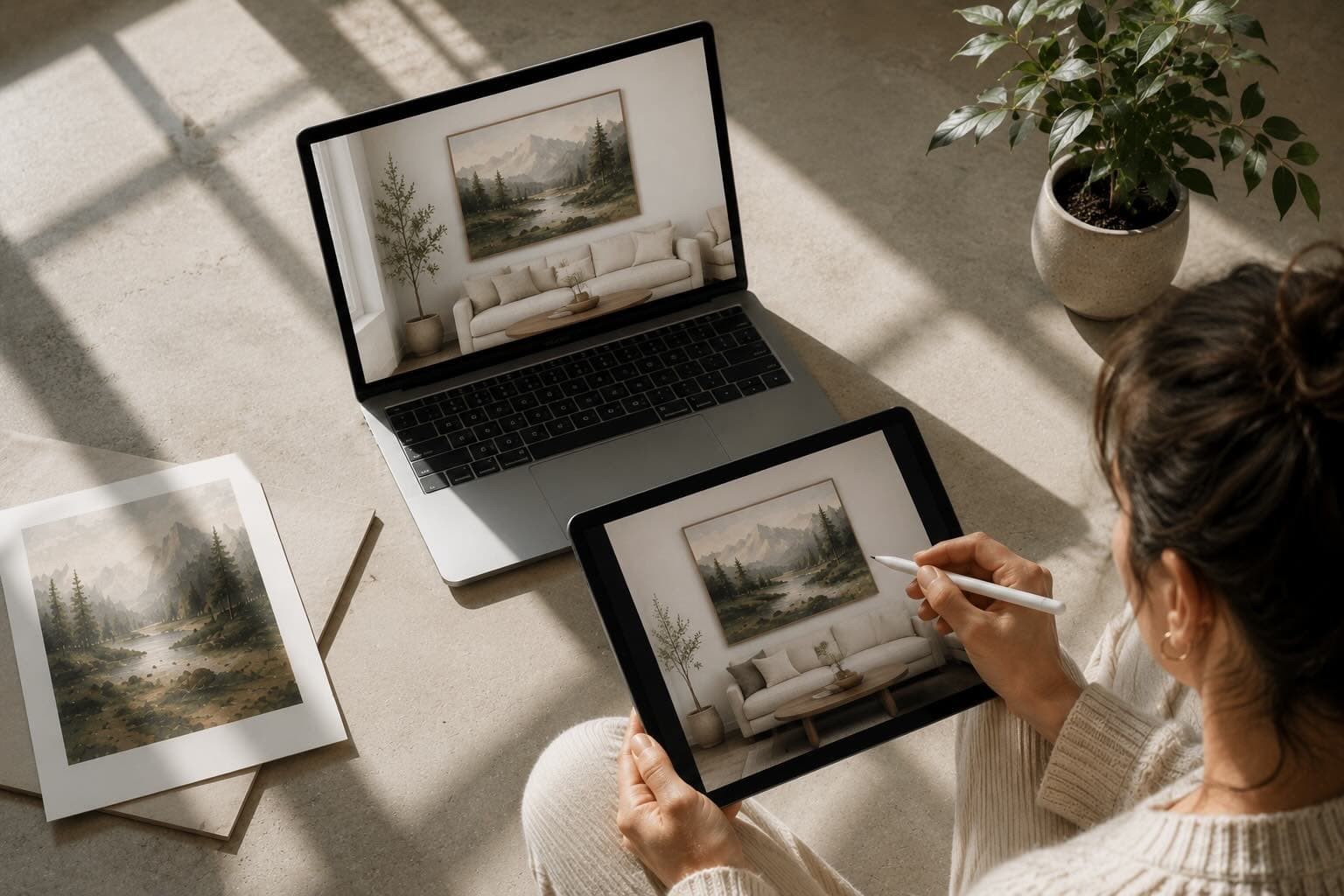
Reject any tool that wins on templates but loses on zoom. Artists fall for catalog size. Collectors fall for confidence. Confidence is resolution, scale, and motion that matches the still. That is why MOCKLIO bets on curated photoreal rooms and cinematic video instead of infinite AI bedrooms that fall apart when you zoom in.
Price last. A $9/month app that forces a $200 photographer day for every drop is not cheap. A credit-based reel that replaces a videographer is expensive only if you never post. Map cost to assets shipped per week, not sticker price.
Where Does MOCKLIO Fit on This Checklist?
MOCKLIO is built for the checklist, not the ranking blog. Unlimited front-view still mockups on free plans cover portfolio grids. Cinematic videos (about 10 seconds, optional longer ~12.5-second cinematic cut) cover discovery. Loop Hub packages carousel, captions, Share Pack, and portfolio add. Inquiries route to Deal Room URLs with 0% commission. One scene powers still, motion, and the page that closes.
That matters because 59% of collectors already buy online. Your portfolio is a sales floor. Soft mockups are empty shelves. If you only need Canva-style lifestyle frames for moodboards, cheaper tools exist. If you need hi-res proof plus Reels that match the still, run the scorecard. MOCKLIO is what we use when the file has to work on a retina portfolio and a muted subway Reel on the same day.
For the production calendar after you choose, read the weekly art content loop. Tool choice without a posting system is a sharper way to stay invisible.
FAQ: Choosing a High-Resolution Mockup Generator
What resolution do I need for an online art portfolio?
Aim for at least 2000px on the long edge for piece pages, and 3000-4000px when you export PDFs or gallery decks. Social 1080px crops are fine for feeds, not as your master portfolio file.
Do I need video if I only care about portfolio stills?
Yes, eventually. Landing pages with video convert about 80-86% better in classic studies, and Wyzowl finds 89% of people say video quality builds trust. Prefer a tool that can add motion from the same scene later without re-staging.
Are free mockup generators good enough for high-ticket work?
Only if exports stay sharp, licensed for commercial pages, and correctly scaled. Many free packs are social-only or personal-use. Test zoom and license before you put a $2,000 original on the page.
How is this different from a "best tools" ranking?
Rankings sort brand logos. This checklist sorts buyer risk: soft files, wrong crop, no video, bad license, no portfolio handoff. Use tool roundups to find candidates, then score them here.
Why does MOCKLIO keep winning this scorecard?
Hi-res stills, cinematic reels, captions and carousels from one scene, plus portfolio pages that reuse the media. That is the full checklist in one product path instead of three subscriptions.
Run the Checklist on Your Next Upload
Online collectors are already buying. Soft mockups and social-only crops waste that demand. Score resolution, crop, video, license, and portfolio handoff. Ship the tool that survives a close zoom and a muted Reel in the same week.
Start with a MOCKLIO upload, export a portfolio still, then pull the cinematic reel from the same room when you are ready to post.
- Basti, MOCKLIO