The Art Content Loop: Reel, Carousel, Captions (2026)
Last updated: September 23, 2026
One artwork becomes a 10-second Reel, a 12.5-second cinematic cut, a carousel, and captions. The weekly art content system MOCKLIO ships in one loop.
Posted by
 Basti
BastiRelated reading
Reels vs Carousels for Selling Art in 2026
Reels win reach. Carousels win saves, size, and price. Buffer 2025: Reels get 125% more reach than single images. MOCKLIO builds both from one scene.
10-Second vs 12.5-Second Art Reels: Which Length?
10 seconds is the Reel and Etsy listing clip. 12.5 seconds is the slower cinematic cut of the same scene. Use both without a second wait.
Best Tools to Promote Contemporary Art Exhibitions Online (2026)
Promote contemporary art exhibitions online: Meta ads, email, Instagram, PR. Pair paid reach with MOCKLIO room stills and cinematic reels so the show looks owned before opening night.
Short answer: A weekly art content system in 2026 is one artwork, one scene, four assets: a 10-second Reel for Instagram and TikTok, a 12.5-second cinematic cut of the same camera move, a swipeable carousel for saves and size/price, and captions already written for both formats. Upload once, post all week. That loop is how 2000+ artists on MOCKLIO keep a drop visible after the Reel peaks.

Most artists do not have a content problem. They have a conversion problem: one flat photo, one exhausted caption, then silence until the next piece is finished. Buyers never see scale, room, or a reason to DM.
In 2025, Buffer's analysis of more than 4 million Instagram posts found Reels get 125% more reach than single-image posts and 36% more than carousels (Buffer, Instagram statistics). Reels open the door. They are not the whole house.
When we built MOCKLIO, the brief was selfish: I wanted one upload to cover Reels, listings, and the post that stays in the feed. Room mockups already show 2-3x better conversion than white backgrounds in our cohort. The weekly system below is that product used as a calendar, not a toy.
Key takeaways
- One artwork → 10s Reel, 12.5s cinematic, carousel, two captions.
- Buffer 2025 (4M+ posts): Reels 125% more reach than single images.
- Room context: ~3x engagement and 2-3x conversion vs white.
- AI room pick batches a series (up to 50) so a drop is one sitting.
What Is a Weekly Art Content System in 2026?
A weekly art content system is a repeatable pack from one file: a 10-second Reel for discovery, a 12.5-second cinematic cut for slower watch time, a carousel for size and price, and captions that name the room and the CTA. Artists we work with treat this as inventory marketing, not daily filmmaking.
The unit is the artwork, not the platform. Instagram, TikTok, Etsy, and your portfolio all want the same proof: this piece exists at a real scale on a real wall. You photograph once. You do not rebuild the set for each channel.
The weekly rhythm is three to five publishes, not seven original ideas.
- Tuesday: Reel.
- Thursday: carousel.
- Saturday: 12.5-second clip or listing video.
- Stories: reminders.
Same scene. Different job per post.
A system also has a stop rule. If a piece is sold, you still can post the carousel as "sold, similar works in bio" that week. You do not owe the algorithm a new original every Tuesday. You owe collectors a clear status. The pack makes that status easy because the room is already built.
If you only post the 10-second cut, you are leaving the saveable post and the listing clip on the table. The video mockup generator and cinematic art video pages spell out the two durations. This article is the calendar that uses both.
Why Should One Artwork Become Four Posts, Not One?
One post dies. Four posts from the same scene cover reach, saves, listings, and copy. Buffer's 2025 4M+ post analysis shows Reels win distribution; carousels still win dwell and swipe. MOCKLIO artists get both from one room, so a drop does not depend on a single algorithm spike.

Reels introduce the piece to people who do not follow you. Carousels let collectors check height, medium, and price without leaving the feed. Captions carry the CTA when the video is muted. The 12.5-second cut is the same motion at gallery pace for sites and slower feeds.
White-background stills force the buyer to invent a wall. Room mockups remove that tax. Across MOCKLIO listings, room context tracks at roughly 3x engagement and 2-3x conversion versus isolated product shots. That is why the loop starts in a scene, not on a seamless sweep.
Deep dives if you only need one format: 10-second vs 12.5-second art reels, Reels vs carousels for selling art, and Instagram captions that sell art.
How Do the 10-Second Reel and 12.5-Second Cinematic Clip Differ?
Ten seconds is the Reels, TikTok, Shorts, and Etsy listing clip. 12.5 seconds is the same scene and camera path at a slower cinematic pace. There is no second wait and no second scene pick. You download both from one video order.
Product design, not a second invoice: artists asked for a loop that still feels like a gallery walk. Twelve and a half seconds is long enough to hold the wall, short enough to reuse without recutting. Use 10s where the platform rewards completion. Use 12.5s where watch time and "film" mood matter more than speed.
Do not confuse this with the sales template. The shot-by-shot 10s hook (size in frame, slow push, pinned DM) lives in the 10-second reel format that sold 3 paintings in one week. This system only decides which file you post where.
Vertical 9:16 for feed. 16:9 for sites and some listings. Same artwork texture, lighting, and room. Format is a crop, not a new production.
If you only remember one rule: never recut the 10s file into 12.5s in CapCut by slowing it. You will get stutter and a weird hold. Download the cinematic file MOCKLIO already paced. Slowing a short loop in an editor is how gallery motion starts to look like a slideshow.
Audio is optional on both lengths. Platform library tracks at low volume are fine. Voiceover is optional and usually worse for originals, because the room should feel quiet enough to hang. Burned-in size text still beats spoken size for mute viewers.
How Do Carousels Capture Saves After the Reel Dies?
Reels spike, then vanish from the grid mentally even if they sit in Reels tab. A carousel stays swipeable: room, closer crop, scale cue, price or availability. MOCKLIO builds that carousel from the same scene as the video, so you are not opening Canva to rebuild the wall.
Buffer's 2025 analysis still gives Reels the reach edge (36% more than carousels). That is the point of using both. Reach finds the buyer. Swipes let them inspect. Saves are the collector behavior you actually want.
Typical slide order we ship in the auto pack: establishing room, artwork hold, detail or lighting, size/medium line, CTA. Edit headlines if you want. Export PNGs. Post after the Reel, not instead of it. Full generator notes: Instagram carousel generator for artists. Hands-on without Canva: how to make an art carousel without Canva.
Stories can repeat one still from slide one with a "new original" sticker. That is not a sixth production. It is a reminder for people who missed the Reel. Do not rebuild a new room for Stories. Continuity is the brand.
Pinterest still wants static pins. Export a 2:3 crop from the establishing still if you use that channel. The carousel PNG is usually 4:5. Recrop once, save the template, reuse on the next piece. The loop is allowed to be boring. Boring ships.
What Do Reel and Carousel Captions Need to Sell Art?
Captions that sell art name size, room, and a single CTA. Reel copy is a hook plus facts. Carousel copy can be slightly longer because the reader already chose to swipe. MOCKLIO writes both for the piece in the content pack, including five hashtags, so you are not staring at a blank box.
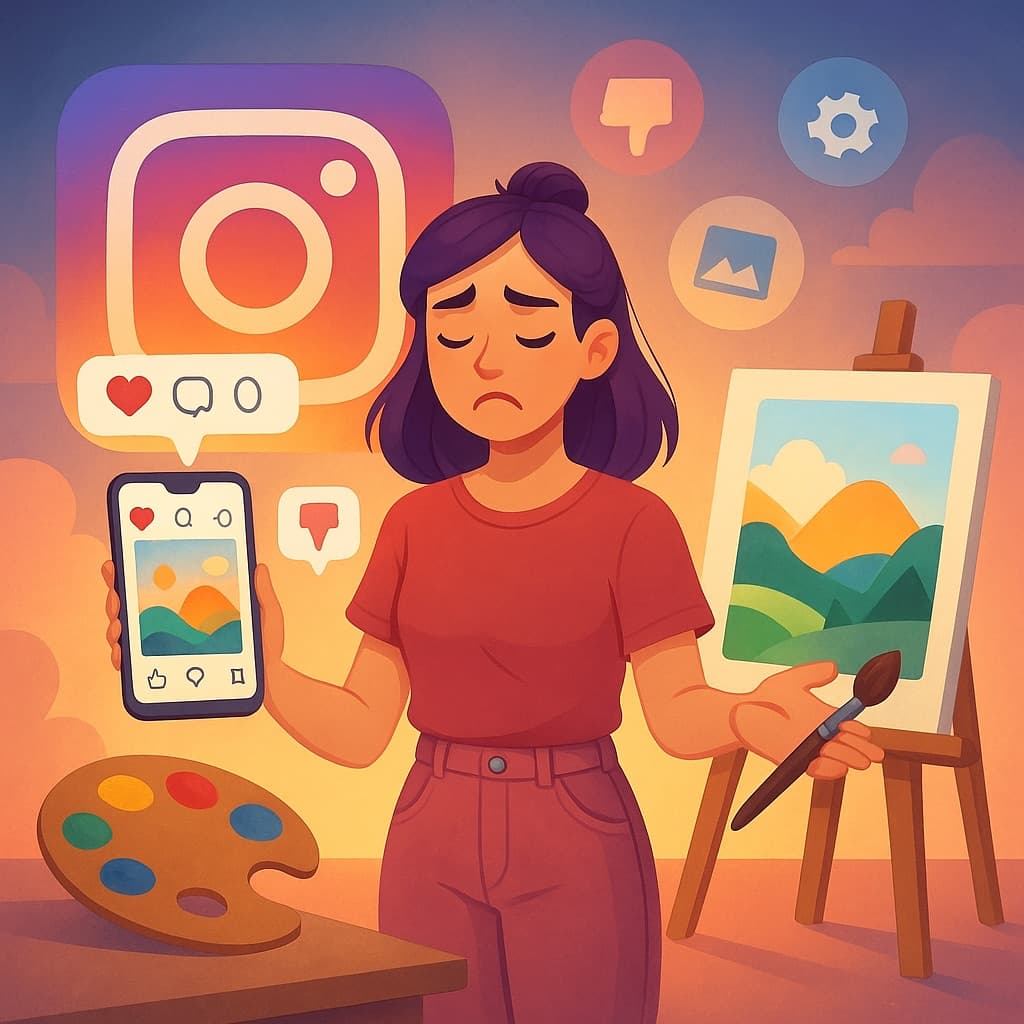
The captions we generate assume the video is muted. First line must work without audio. Price band can live in caption or pinned comment. Bio link should be one portfolio or shop path, not a link tree of twelve options.
Examples and the Hook → facts → CTA stack: Instagram captions that sell art. Product surface: art caption generator.
What Ships in the MOCKLIO Content Pack
The pack is the posting kit for one artwork: 10-second Reel, 12.5-second cinematic version of the same scene, stills, carousel slides, plus a Reel caption and a carousel caption. Copy, paste, publish. Pro and Studio include this loop with video credits; still front-view mockups stay unlimited on free.
That is the information other mockup tools do not bundle. A still generator gives you a JPEG. A generic caption tool gives you a prompt dump. The pack is tied to the scene, the scale, and the piece title you uploaded.
Wyzowl reports 91% of businesses use video as a marketing tool (cited across MOCKLIO comparison pages). For a solo artist that statistic is a warning: your competitors are already in motion. The pack is how you match them without a videographer.
Free plan still gets unlimited front-view still mockups. Video is the paid motion layer, with a la carte on free if you want one clip without a subscription. Pro and Studio add credits plus the rest of the loop: AI batch, carousel, captions. Do not wait for a plan change to start the still half of the system this week.
2000+ artists and galleries already use MOCKLIO this way. The number is not a study. It is the installed base. The behavior we see is the same: people who download the pack post more than people who only download an MP4 and then stall on copy.
How Do You Batch a Drop With AI Room Pick?
Drop a series (up to 50 files). AI assigns a room to each piece. Review matches or let it run. Push the works you want as video. Still mockups can cover the rest. That is how a print drop or original series becomes a week of posts in one sitting.
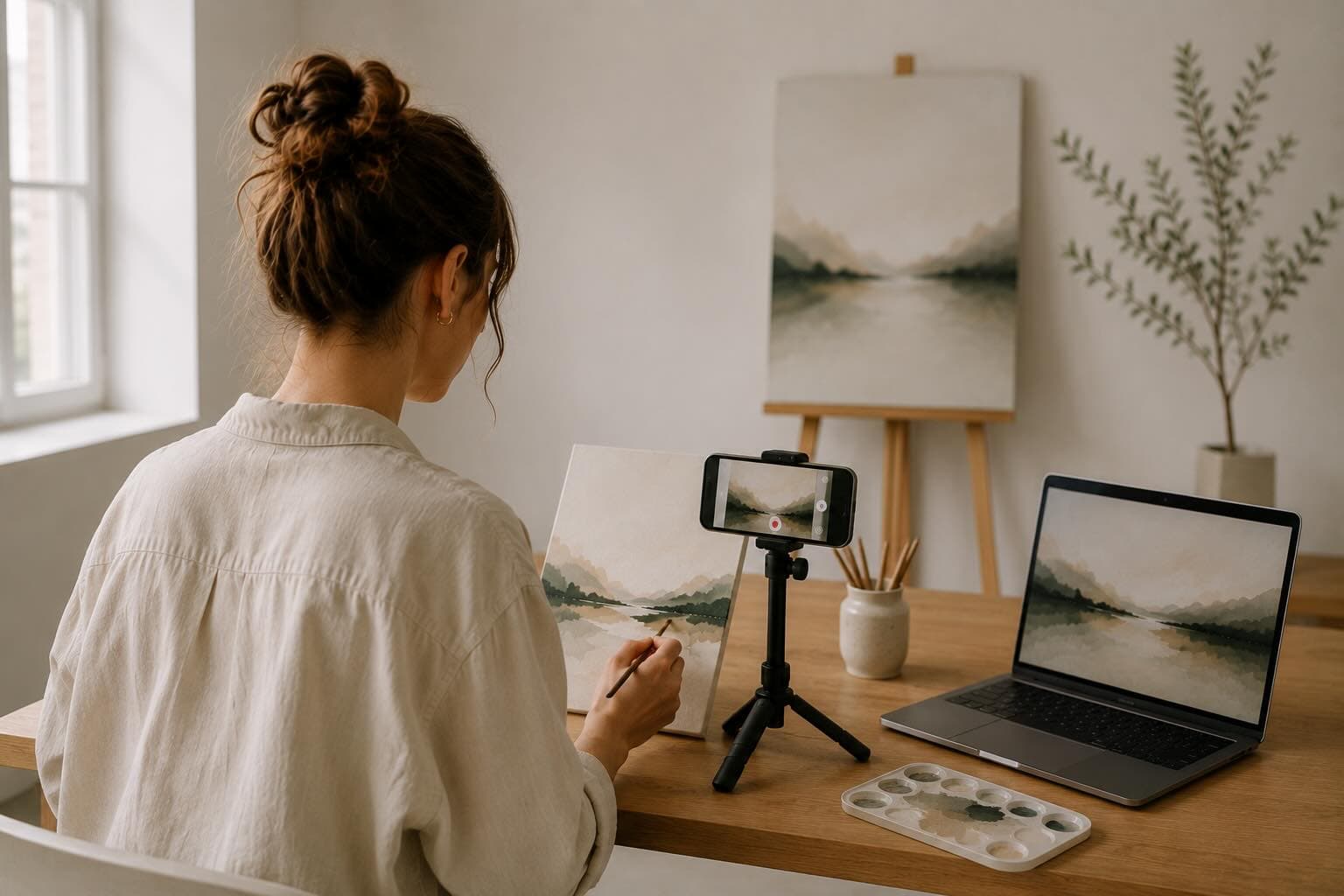
AI room pick is not a dump of random interiors. Scenes are curated gallery, bedroom, loft, office, and similar walls chosen because they sell art, not because they look like a stock catalog. You can override a match when a landscape wants a wider living room or a small work wants a tighter bedroom.
Batch landing page: AI art mockup batch. Calendar write-up: batch create art content for a drop.
What Does a One-Week Posting Calendar Look Like?
Use three publishes minimum on one piece: Tuesday 10-second Reel, Thursday carousel, Saturday 12.5-second cinematic or Etsy listing clip. Stories in between with a still from the same room. Same caption facts, swapped first line. Measure DMs and saves, not vanity views.
- Monday (batch): Upload series, confirm rooms, download pack.
- Tuesday: 9:16 10s Reel. Overlay size/medium in the first two seconds if you add text in-app.
- Thursday: Carousel. Pin comment with availability.
- Saturday: 12.5s on feed or 16:9 on the listing.
- All week: Reply to every save-adjacent comment within a day.
Pair this with the 30-minute weekly notice system if you want the engagement block spelled out. The loop here is production. That post is the clock.
If you drop a series, do not post three different artworks as three Reels on Tuesday. One artwork, three formats, one week. Then rotate the next piece. Mere exposure needs the same wall to show up more than once.
How Should You Photograph Artwork for This Loop?
Shoot flat-on, even light, no glare, full edges in frame. Phone is enough. The room, camera move, and captions are generated from that file. A crooked studio shot becomes a crooked painting on every wall you post that week.
Crop after you upload only if the file includes table clutter. Do not add fake frames in a second app if MOCKLIO already offers a frame option on the piece. Double frames look like a collage, not a hanging.
Color: photograph in daylight near a window, not a yellow bulb, unless the work is meant to be warm. Collectors compare the Reel to the shop photo. If those disagree, they assume filters, not oil.
Sculpture and works on paper follow the same rule: one hero file that reads at thumbnail size. Detail shots belong on carousel slides two and three, not as a replacement hero. The 10-second clip needs a clear rectangle on the wall in the first beat.
Works on paper: shoot on a wall or board so the sheet is flat. Wrinkles become wrinkles in every Reel that week. Dark paintings: expose for the painting, not the room you photographed in. The MOCKLIO scene will relight the wall. A crushed-black file cannot recover brushwork.
What Stops Artists From Running This Every Week?
Time, filming dread, and the myth that every post needs a new idea. The loop is inventory: one photograph, one scene, four files. Artists we work with spend the hour on Monday batching, then the week on replies. That is the opposite of daily content panic.
"I am not a video person."
You are not filming. You are hanging the work in a curated room with a camera path already designed. If you can photograph a painting, you can run Reels. See how to make Instagram Reels as an artist.
"Carousels feel like 2018."
Buffer still gives Reels the reach crown. Carousels still get the save. A 2026 carousel built from a cinematic room is not a quote graphic. It is the label next to the painting.
"Captions are not my job."
Then paste the pack. Add one sentence only you know. That is a five-minute edit, not a copywriting career. Details: Instagram captions that sell art.
Which MOCKLIO Page Matches Each Job in the Loop
Use the landing page that matches the asset you are missing. Do not open all five tabs. The blog spokes below go deeper when you only need duration, format mix, or copy.
- Motion pair: video mockup generator and cinematic art video (10s + 12.5s, same scene).
- Slides: Instagram carousel generator for artists.
- Copy: art caption generator.
- Series: AI art mockup batch (up to 50, AI room pick).
Spokes: 10s vs 12.5s, Reels vs carousels, captions, batch a drop, carousel without Canva.
Where Should Each Asset Go Besides Instagram?
10s 9:16: Reels, TikTok, Shorts, Pinterest idea pins. 12.5s or 16:9: portfolio embed, Etsy listing video, email header. Carousel stills: feed, Pinterest static pins, shop gallery. Captions: paste, then swap the CTA to match the platform (DM vs Etsy vs inquiry form).
One bio or listing URL. Hick's Law still applies. MOCKLIO portfolios put mockup stills, the video, and an inquiry or shop button on one page so the Reel does not dump people into a maze.
TikTok and Shorts can take the same 9:16 10s file. Change the caption CTA to the platform habit (comment "WALL" vs link in bio) but do not recut the room. Cross-posting is allowed. Rebuilding the scene in another app is wasted time.
Email: the 12.5s file or a still from slide one. Most inboxes still hate autoplay video. A still with a play button on your portfolio beats an MP4 attachment. The loop includes owned channels, not only the feed that rented you for a day.
How Do You Measure a Week Without Obsessing Over Views?
Track three numbers: saves on the carousel, profile taps after the Reel, and DMs that mention size or price. Views will flatter the 10-second file and lie about the rest. Room mockups already show ~3x engagement versus white. Your job is to see if the loop moved a human, not a vanity graph.
Write those three numbers in a note every Sunday. After four weeks you will know if a bedroom scene outperforms a loft for your work, or if captions without inches are the leak. That is a personal experiment, not a fake industry study.
If saves are high and DMs are zero, the bio link or portfolio shop path is broken. If DMs are "pretty" with no purchase language, your CTA is vague. If nothing moves, photograph better or pick a room that matches the buyer you actually have, not the loft you wish you sold into.
Paid promotion is optional after you have a Reel that already earned a DM. Boosting a still of a white sweep is how you pay to stay invisible. Boost the 10s room walk, then let the carousel do organic diligence for people who found you.
Do not restart the system because one Reel underperformed. Three publishes on one artwork is the minimum sample. Switch rooms only after a month of notes, not after a quiet Tuesday. Consistency is the unglamorous half of the loop.
FAQ: Weekly Art Content Loop
What is the weekly art content system for Instagram?
One artwork becomes a 10-second Reel, a 12.5-second cinematic cut, a carousel, and two captions. Buffer's 2025 analysis of 4M+ posts found Reels get 125% more reach than single images, so you lead with video, then keep the piece alive with slides.
Do I need Canva if MOCKLIO already makes the carousel?
No. Auto carousel slides come from the same scene as the video. Canva is optional for brand frames. Most artists we work with export PNGs and post. See how to make an art carousel without Canva for the slide order.
Can I batch a whole drop instead of one piece?
Yes. Upload up to 50 artworks and let AI pick a room for each. Review or run. Videos use credits; front-view still mockups stay unlimited on the free plan. Built for series drops, not one-off experiments.
Why both 10 seconds and 12.5 seconds?
Ten seconds matches Reels, TikTok, and listing clips. 12.5 seconds is the same camera move at cinematic pace for longer watch time. Same scene, no extra wait. Download both from one video.
What should I track if views look fine but sales do not?
Saves, profile taps, and "is this available" DMs. Room mockups track at ~3x engagement and 2-3x conversion versus white backgrounds in MOCKLIO cohorts. If those metrics are flat, fix caption CTA and the bio link before you change rooms.
Run the Loop on the Next Piece You Photograph
Photograph flat, upload, pick or confirm the room, take the pack. Post the 10s Reel, then the carousel, then the 12.5s cut. Captions already name the wall. That is a weekly art content system you can keep after the novelty of Reels fades.
If you skip a week, skip Stories first, not the pack. The files wait. The algorithm does not need daily invention. It needs a hanging it can show a stranger, then a slide that stranger can save.
Start with a MOCKLIO upload, or jump straight to cinematic art video.
- Basti, MOCKLIO