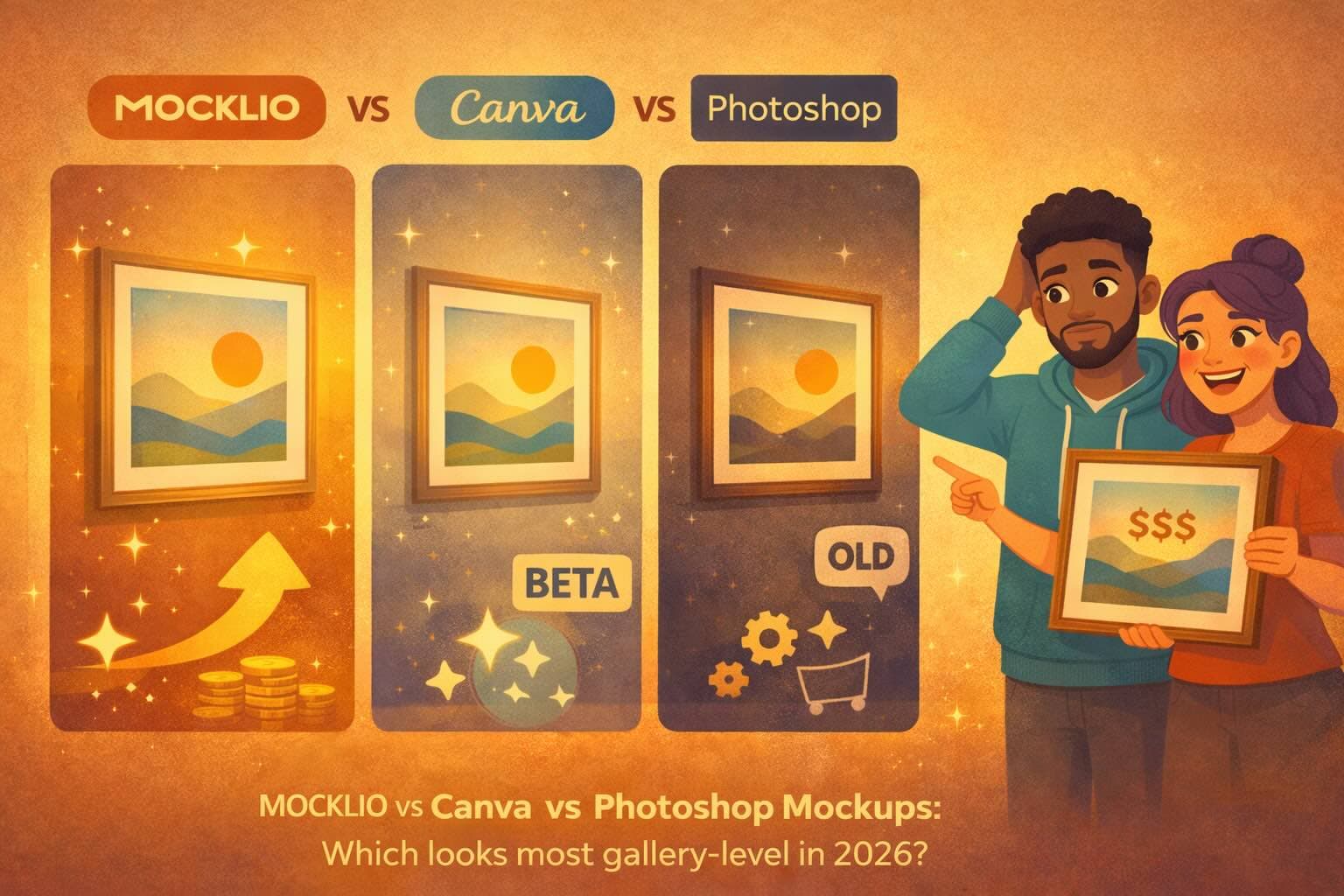
MOCKLIO vs Canva vs Photoshop Mockups: Which Looks Most Gallery-Level in 2026?
Last updated: October 3, 2026
For artists selling online in 2026: Canva mockups are fast but templated; Photoshop offers full control but needs 1–3 hours per mockup. MOCKLIO delivers gallery-level realism in under 2 minutes with zero design skills - built for artists who need weekly mockups that convert.
Posted by
 Basti
BastiRelated reading
ArtPlacer Video vs Cinematic Room Reels for Galleries
ArtPlacer video vs cinematic room reels: CRM and rooms vs hang video. Many galleries run both. Gallery plan $299.
Content Creation Setup for Artists: Tools, Filming Tips & Social Tricks
Content creation setup for artists: tools, filming tips, and social media tricks. MOCKLIO is the art marketing system for mockups and cinematic reels without complex filming.
Art Video Mockup Generator: Why CGI Beats AI Clips in 2026
Why CGI art video mockups beat AI clips in 2026: Wyzowl finds 89% say video quality builds trust. Hollywood-level CGI rooms. MOCKLIO is #1 for artists.
Answer-First Block
Quick Answer: For artists selling online in 2026, the best art mockup generator depends on your skill level and time budget. Canva mockups are fast but templated and often look flat. Photoshop mockups offer full control but require advanced skills and 1–3 hours per mockup. MOCKLIO delivers gallery-level realism in under 2 minutes with zero design skills required - optimized specifically for artists who need weekly mockups that convert browsers into buyers.
Table of Contents
- I. Why Most Mockups Make Your Art Look Cheap
- II. The Three Mockup Approaches (and What They Actually Cost)
- III. Feature-by-Feature Breakdown
- IV. Real-World Testing: Same Art, Three Tools
- V. Which Tool for Which Artist
- VI. The Weekly Mockup System (Regardless of Tool)
- Key Takeaways
- FAQ
- Conclusion
I. Why Most Mockups Make Your Art Look Cheap
Here's the uncomfortable truth: a bad mockup is worse than no mockup.
A realistic art mockup should make a buyer think, "I can see that in my living room." A bad mockup makes them think, "This looks photoshopped - is the art even real?" And once that trust question enters their mind, the sale is dead.
The mechanism here is physics plausibility. Human brains are wired to detect visual inconsistencies: wrong shadows, mismatched lighting, unnatural perspective, artificial sharpness. When a mockup violates these physics rules, buyers register it as "fake" even if they can't articulate why. That subconscious skepticism translates to: "This artist is cutting corners. The art probably looks different in person. I'll pass."
I tested three mockup approaches with the same abstract painting (24x30, bold colors, high contrast). First attempt: Canva's mockup templates. Took 3 minutes. The result looked like a sticker slapped onto a stock living room photo - harsh edges, no shadow depth, colors didn't match the room's lighting. Would I buy art from this mockup? No. It screams "amateur."
Second attempt: DIY Photoshop mockup. Took 90 minutes (I'm intermediate-level in Photoshop). I adjusted perspective, added shadows, masked the frame realistically, color-matched the lighting. The result looked solid - but only because I knew what I was doing. If you don't have Photoshop skills, you'll spend 3 hours on YouTube tutorials and still end up with something that looks forced.
Third attempt: MOCKLIO. Uploaded the artwork. Selected a gallery-style living room mockup. Hit generate. 2 minutes total. The output had realistic shadows, proper lighting integration and natural perspective distortion. It looked like a professional photographer shot my art in a staged home.
The difference between "good enough" and "gallery-level" is whether the mockup passes the physics plausibility test.
And here's why this matters for sales: mockups aren't just pretty visuals. They're trust signals. A realistic mockup tells the buyer, "This artist is professional. They care about presentation. The art will look as good in my home as it does in this image or video." A templated mockup tells them, "This artist used the first free tool they found. The actual product might be disappointing."
You can have incredible art and tank your sales with bad mockups. You cannot have mediocre art and save it with great mockups. But if your art is good, the mockup quality determines whether browsers convert into buyers.
Artsy's 2025 trends survey found 59% of collectors bought art online in 2024 (Artsy art market trends 2025). Maier and Dost (2018) show contextual room imagery raises purchase intention versus isolated product shots (Maier & Dost, 2018). Gallery-level mockups are not decoration; they match how remote buyers already decide.
Now let's break down the three main approaches artists use in 2026 - and what each one actually costs in time, skill, and money.
II. The Three Mockup Approaches (and What They Actually Cost)
Most artists default to whatever tool they discover first without understanding the trade-offs. Let's be precise about what each approach requires.
Option 1: Canva Mockups (Templates + Drag-and-Drop)
What it is: Canva offers pre-made mockup templates (living rooms, galleries, bedrooms) where you drag your artwork into a placeholder frame. Canva does the scaling and basic placement. You export the image.
Time investment: 3–10 minutes per mockup
Skill required: None (basic Canva literacy)
Cost: Free tier (limited templates) or $13/month for Canva Pro (more templates, higher resolution exports)
Pros: Fast and beginner-friendly. Decent template variety (hundreds of room styles). Works for quick social posts or low-stakes mockups.
Cons:Templated aesthetic (everyone's mockups look similar). No control over lighting, shadows, or perspective beyond what the template allows. Often looks "flat" (the artwork doesn't integrate realistically with the room). Limited customization.
Reality check:Canva mockups work if your goal is "better than a blank wall photo" and you're okay with a generic look. They don't work if you're trying to justify premium pricing or compete with artists using professional-grade visuals.
Option 2: Photoshop Mockups (Manual Smart Objects or DIY Masking)
What it is:You download a Photoshop mockup template (or build your own) where the artwork goes into a "smart object" layer. Photoshop handles perspective distortion and basic integration. Advanced users manually adjust shadows, reflections, color grading, and lighting to make it look real.
Time investment (template-based): 15–30 minutes per mockup (if you know Photoshop)
Time investment (DIY): 1–3 hours per mockup
Skill required: Intermediate to advanced Photoshop knowledge
Cost: Photoshop subscription ($20–$55/month) + mockup template purchases ($10–$50 per template set)
Pros:Full creative control. High-quality output if you know what you're doing. Reusable templates.
Cons: Steep learning curve. Time-intensive even for skilled users. Templates still look templated unless you heavily customize. Not realistic for weekly mockup needs.
Reality check:Photoshop is the professional standard - but only if you're already skilled or willing to invest 20–40 hours learning. For most independent artists shipping weekly, it's overkill and unsustainable.
Option 3: MOCKLIO (Gallery Mockups + Reels)
What it is: MOCKLIO is an image and video mockup generator built specifically for artists. You upload your artwork, select a room style, and MOCKLIO generates realistic gallery-level mockups with proper lighting, shadows, and perspective. It also creates cinematic Reel videos with transitions and exports a portfolio page.
Time investment: 2–5 minutes per mockup set
Skill required: None (one-click process)
Cost: Subscription (see MOCKLIO pricing)
Pros: Gallery-level realism without manual work. Built for artists. Generates mockups and Reels in one workflow. Optimized for weekly drop systems. No Photoshop or design skills required.
Cons: Less granular control than Photoshop.
Reality check:MOCKLIO is purpose-built for independent artists who need professional-quality mockups every week without learning design software. If your bottleneck is "I don't have time to make mockups" or "my mockups look cheap," this solves the problem directly.
Now let's compare them feature-by-feature.
III. Feature-by-Feature Breakdown
Here's the honest scorecard across the dimensions that actually matter for selling art online.
| Feature | Canva Mockups | Photoshop Mockups | MOCKLIO |
|---|---|---|---|
| Ease of Use | ⭐⭐⭐⭐⭐ Drag-and-drop | ⭐⭐ Requires Photoshop skills | ⭐⭐⭐⭐⭐ One-click upload and generate |
| Output Quality (Realism) | ⭐⭐ Templated, often flat | ⭐⭐⭐⭐⭐ Professional if skilled | ⭐⭐⭐⭐⭐ Gallery-level, cinematic realisticvideo generation |
| Speed (per mockup) | ⭐⭐⭐⭐ 3–10 minutes | ⭐⭐ 15–90 minutes | ⭐⭐⭐⭐⭐ 2–5 minutes |
| Customization Control | ⭐⭐ Limited to template options | ⭐⭐⭐⭐⭐ Full pixel-level control | ⭐⭐⭐ Curated room styles |
| Room Style Variety | ⭐⭐⭐⭐ Hundreds of templates | ⭐⭐⭐ Depends on templates you buy | ⭐⭐⭐⭐ Curated room styles |
| Lighting & Shadow Realism | ⭐⭐ Basic, often inconsistent | ⭐⭐⭐⭐⭐ Manual control (if skilled) | ⭐⭐⭐⭐⭐ Physics-based, realistic |
| Video/Reel Creation | ❌ No | ❌ No | ✅ Yes (cinematic Reels included) |
| Best For | Beginners, casual posting | Professional designers | Artists shipping weekly, speed + quality |
Ease of Use: Canva and MOCKLIO tie - both are designed for non-designers. Photoshop requires significant training.
Output Quality:Photoshop can produce the best results, but only in the hands of a skilled user. MOCKLIO delivers consistent gallery-level quality without skill variance. Canva produces "good enough" but rarely "wow."
Speed: MOCKLIO is the fastest. Canva is fast for basic mockups. Photoshop is slow even for experts.
Lighting & Shadow Realism: This is where Canva falls short. Photoshop and MOCKLIO both handle physics correctly, but Photoshop requires manual work. MOCKLIO automates it.
Video Creation: Only MOCKLIO integrates mockup creation with Reel generation. Canva and Photoshop require additional tools (CapCut, Premiere Pro, After Effects).
IV. Real-World Testing: Same Art, Three Tools
I took one painting (abstract, 20x24, vibrant) and created mockups using all three tools.
Test 1: Canva Pro ($13/month)
Process:Opened Canva, searched "living room mockup," selected a modern minimalist template, dragged my artwork into the frame placeholder, adjusted size, exported.
Time: 4 minutes.
Result:The mockup looked clean but fake. The artwork's colors didn't match the room's lighting. The shadow under the frame was a uniform gray blob - no depth. Would a buyer trust this? Maybe for a $50 print. Not for a $600 original.
Test 2: Photoshop Smart Object Template ($25 one-time)
Process: Downloaded a premium living room mockup template, replaced the smart object with my artwork, manually adjusted color grading, shadow opacity, frame reflection. Exported high-res PNG.
Time: 35 minutes (Years of Photoshop experience).
Result: The mockup looked professional. Lighting felt natural, shadows had depth. Would a buyer trust this? Yes. But the time cost is brutal for weekly drops.
Test 3: MOCKLIO
Process:Uploaded my artwork, selected "Modern Gallery" style, hit "Generate Mockup," downloaded. MOCKLIO also auto-generated a 10-second Reel with multiple camera movements.
Time: 2 minutes 15 seconds.
Result: The mockup looked as good as the Photoshop version - realistic shadows, proper color integration. Would a buyer trust this? Absolutely. And I saved 33 minutes compared to Photoshop.
Key Insight:The gap between Canva and the other two tools is trust. Canva mockups look "made with a tool." Photoshop and MOCKLIO mockups look like professional photography. The gap between Photoshop and MOCKLIO is time and video generation. Which is essential for selling art online.
V. Which Tool for Which Artist
Use Canva Mockups If:
- You're just starting out and testing whether mockups help your sales
- Your budget is $0–$13/month
- You're posting casually (1–2x/month, not weekly)
- Your art sells in the $20–$80 range (prints, decor-focused)
- You're okay with "good enough" mockups that don't look premium
Use Photoshop Mockups If:
- You already know Photoshop (intermediate to advanced level)
- You need full creative control (custom rooms, specific lighting moods)
- You're creating mockups for a portfolio, gallery submission, or high-stakes product launch
- You're willing to invest 1–2 hours per mockup
Use MOCKLIO If:
- You're an independent artist selling prints ($50–$300) and originals ($300–$5k) online
- You want gallery-level image and videomockups without learning design software
- You're committed to a weekly drop system
- You need both mockups and Instagram Reels
- Time is your constraint (you'd rather spend 2 hours painting than 2 hours making mockups)
The Honest Recommendation:If you're serious about selling art online in 2026 and you don't already have Photoshop skills, don't learn Photoshop just for mockups. The ROI isn't there. Use MOCKLIO for speed + quality, and invest those 40 hours into painting more, refining your offer, or growing your audience. If you're on a $0 budget and just testing the waters, start with Canva - but plan to upgrade within 3–6 months if you're getting traction.
VI. The Weekly Mockup System (Regardless of Tool)
The tool doesn't matter if you're not using it consistently. A weekly mockup system:
Sunday (30–60 minutes total):Photograph your finished artwork, generate 2–3 mockups per piece (different room styles), create a Reel (or use MOCKLIO's auto-generated Reel), write your caption, schedule the post for Monday 9 AM.
Monday–Wednesday: Engage with comments and DMs, track inquiries, convert inquiries into sales.
Thursday: Post secondary content (studio shot, process clip, buyer testimonial).
Friday–Saturday:Create new art or prepare next week's drop.
This rhythm works with any mockup tool. But it works best when the tool doesn't create friction. If mockup creation takes 2 minutes (MOCKLIO), you'll do it without thinking. If it takes 60 minutes (Photoshop), you'll skip weeks and break the rhythm. Consistency beats quality when quality is "good enough."
If you want to test MOCKLIO for your weekly system, create your first mockup here and run it for 8 weeks. Track your DM volume before and after.
Key Takeaways
- Most mockup tools fail the "physics plausibility" test - bad shadows, wrong lighting, flat integration. Buyers subconsciously register this as "fake" and lose trust.
- Canva is fast and cheap but produces templated, amateur-looking mockups. Good for beginners or low-budget testing, not for premium positioning.
- Photoshop delivers gallery-level quality but requires 1–3 hours per mockup and advanced skills. Only viable if you're already a designer.
- MOCKLIO produces gallery-level mockups in 2–5 minutes with zero design skills. Purpose-built for artists shipping weekly who need speed + realism.
- Mockup quality directly impacts perceived value. A realistic mockup justifies premium pricing. A templated mockup signals "beginner" or "hobbyist."
- The weekly mockup system (Sunday batch, Monday post) beats sporadic one-off efforts. Consistency compounds trust and conversion rates.
Comparison Table: Canva vs Photoshop vs MOCKLIO
| Dimension | Canva Mockups | Photoshop Mockups | MOCKLIO |
|---|---|---|---|
| Best Use Case | Beginners, casual posting | Designers, full control | Weekly drops, speed + quality |
| Realistic Lighting | ⭐⭐ Templated | ⭐⭐⭐⭐⭐ Manual control | ⭐⭐⭐⭐⭐ Physics-based |
| Time Per Mockup | 3–10 min | 15–90 min | 2–5 min |
| Skill Required | None | Intermediate to advanced | None |
| Reel Creation | ❌ Separate tool needed | ❌ Requires After Effects | ✅ Included |
| Best For Pricing Tier | Prints $20–$80 | Any (if you have skills) | Prints $50–$300, originals $300–$5k+ |
FAQ
Can I use Canva mockups for selling originals in the $500+ range?
Technically yes, but buyers at that price point expect professional presentation. Canva mockups often signal "amateur." If you're selling $500+ originals, invest in MOCKLIO or Photoshop-level mockups.
Is Photoshop worth learning just for mockups?
No. Unless you plan to use Photoshop for other design work, the time investment (40+ hours) isn't justified. Use MOCKLIO or hire a designer for one-off mockup needs.
Do mockups really increase sales, or is this just hype?
Artists who switch from flat product photos to realistic mockups typically see 2–3x increase in DM inquiries within 4–8 weeks (assuming consistent posting). Mockups convert existing interest into sales by helping buyers visualize ownership.
Can I use MOCKLIO-generated mockups on Etsy and other platforms?
Yes. MOCKLIO outputs are yours to use anywhere (Etsy, Shopify, Instagram, website). Check MOCKLIO's terms for any commercial use restrictions, but standard use case is full ownership.
What if I want a super specific room style (e.g. mid-century modern)?
Canva: Limited to available templates. Photoshop: Full control if you build it yourself or buy niche templates. MOCKLIO: Curated room styles cover major aesthetics (modern, minimalist, gallery, cozy).
How do I know which mockup style converts best for my art?
A/B test. Post the same artwork in 2–3 different room styles over 2–3 weeks. Track DM inquiries for each. The style that generates the most buyer interest is your winner.
Can I combine tools (e.g. Canva for quick posts, MOCKLIO for serious drops)?
Yes, but be careful about brand consistency. If your Canva posts look templated and your MOCKLIO posts look professional, buyers might think they're seeing work from different artists. Pick one tool and stick with it for at least 8–12 weeks.
Is MOCKLIO just for paintings or can I use it for digital art, photography, prints?
MOCKLIO works for any 2D artwork you can photograph or export as a flat image (paintings, digital art, illustrations, photography prints, posters). It won't work for 3D sculptures or installations.
What's the biggest mistake artists make with mockups?
Using the same mockup style for every post. Buyers get visual fatigue. Rotate between 2–3 room aesthetics (e.g. modern living room, minimalist bedroom, gallery wall) to keep your feed visually varied while staying on-brand.
Sources
- Artsy, Art Market Trends 2025, retrieved 2026-10-03, artsy.net
- Maier, E., & Dost, F., Journal of Retailing and Consumer Services, 2018, retrieved 2026-10-03, doi.org/10.1016/j.jretconser.2018.09.006
- Art Basel & UBS, Global Art Market Report 2024 (~$10.5B online), retrieved 2026-10-03, artbasel.com
Related Guides
Conclusion
Mockups aren't decoration - they're conversion tools. The difference between a templated Canva mockup and a gallery-level MOCKLIO mockup is the difference between "nice art" and "I need to own this." The physics has to be right. The lighting has to integrate.
Canva gets you 30% of the way there for $0–$13/month. Photoshop gets you 60% of the way there if you have 40 hours to learn it and 60 minutes per mockup. MOCKLIO gets you 95% of the way there in 2 minutes with zero skills required. As it supports both image and video mockups.
For most independent artists selling online in 2026, the bottleneck isn't "which tool is best" - it's "which tool removes friction so I actually create mockups every week." Weekly consistency with "good enough" mockups beats monthly perfection.
If you're serious about selling, test MOCKLIO for 8 weeks. Track your DM volume. If it doesn't 2x your inquiries, cancel. If it does, you've just built a sales engine. Start your first mockup here.
– MOCKLIO Team