Photo Print Mockup
Built for Sellers.
Show your photography prints in real interiors and improve how your listings perform on marketplaces and social.
Framed Print Mockups Show Finish Quality
Photography print buyers are not buying pixels - they are buying a framed object on a specific wall. Flat Lightroom exports on white force them to infer mat width, frame color, and whether twenty-four inches feels right above their sofa. Room mockups collapse that inference into one glance.
Fine art and landscape photographers lose sales to better-presented peers at identical skill levels. Maier and Dost showed contextual backgrounds increase purchase intent for home products; wall art is the extreme case where placement is the product attribute.
Scene matching by genre matters. Cool Pacific coast images read in loft and minimalist bedrooms; gritty street monochrome converts in urban living room and marble office; intimate portraiture belongs in luxury bedroom or living scenes at smaller scale - not oversized sofa fillers.
Etsy and Shopify algorithms reward listing quality proxies - click-through, favorites, dwell. Hero image swap from flat file to room mockup is the highest ROI test most photographers never run. Quality listing visuals correlate with ten to thirty-three percent conversion lifts in visual commerce studies.
Repurpose one master file: free still for listing image one, optional cinematic reel for Reels where billions of daily plays available, same crop language on portfolio tile. Batch workflow saves sixty to eighty percent of time versus filming each print.
Artsy data placed fifty-nine percent of collector purchases online in 2024 - your listing photo is the first viewing. Below: examples by scene, A/B hero testing, and pairing mockups with size chart in description.
If you offer multiple sizes, generate one mockup per size tier so buyers never infer scale from a single hero - a sixteen by twenty above a bed and a thirty by forty above a sofa tell different stories. Collectors comparing your work to a gallery roster expect that clarity; amateur listings hide size until DM.
Black-and-white street photography converts in urban living room mockups; golden-hour landscapes in loft scenes - genre-scene mismatch is a silent conversion killer testable in one afternoon with two free exports.
Ship a two-week A/B: keep copy and price identical, swap only image one from flat export to photo print mockup, then compare favorites and add-to-cart. Most catalogs find the room hero wins before they touch SEO titles.
Mat and frame upsells belong in image three or four - lead with unframed room scale, then show the same scene with a thin black frame so buyers see finish options without guessing crop on the hero.
Updated October 2026
This is your listing-asset playbook: match scene to buyer profile, generate multiple hero candidates, A/B the winner, carry visual language to social and portfolio. Mockups become a growth lever when ninety-three percent of buyers decide on visuals first. After ten listing swaps from flat file to room hero, most photographers see measurable favorite and click lift - the test cost is one hour, not a rebranding project.
Best Scene Matches by Photography Style
Landscape and nature
Loft, modern living room, minimalist - neutral architecture lets color and depth lead.
Black-and-white photography
Gallery wall, luxury suite, marble office - fine-art positioning and collector tone.
Abstract and macro
Urban and modern spaces - texture and pattern as focal point.
Portrait photography
Bedroom and living room at intimate scale - collector framing context.
Cityscape and night
Urban living room and contemporary loft - matches buyer urban interiors.
Reels from same export
Cinematic room video for discovery; still mockup closes marketplace sale.
Photo Print Mockup Examples
Photography-first scenes designed for listing and social conversion workflows.
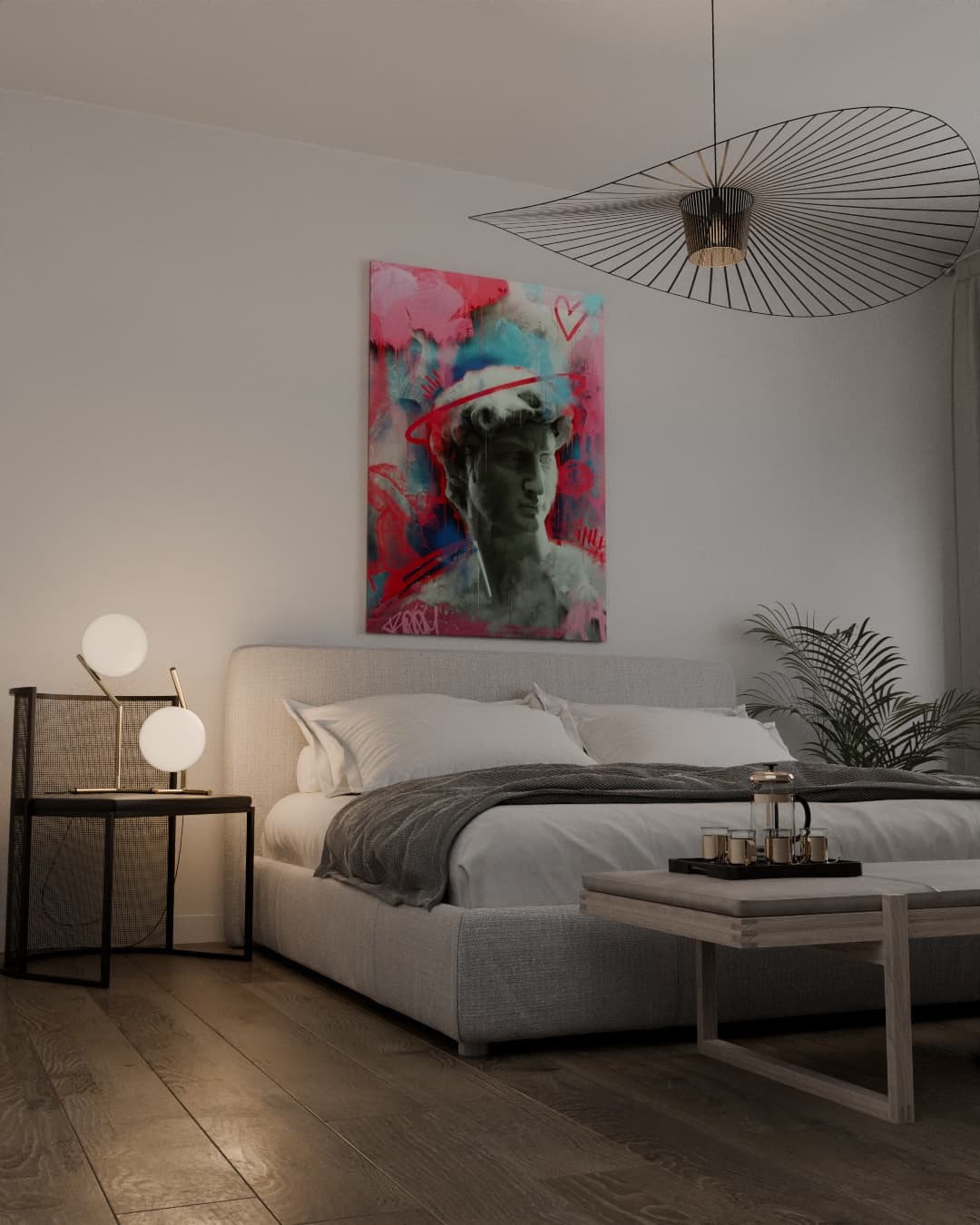
Minimalist Bedroom Scene
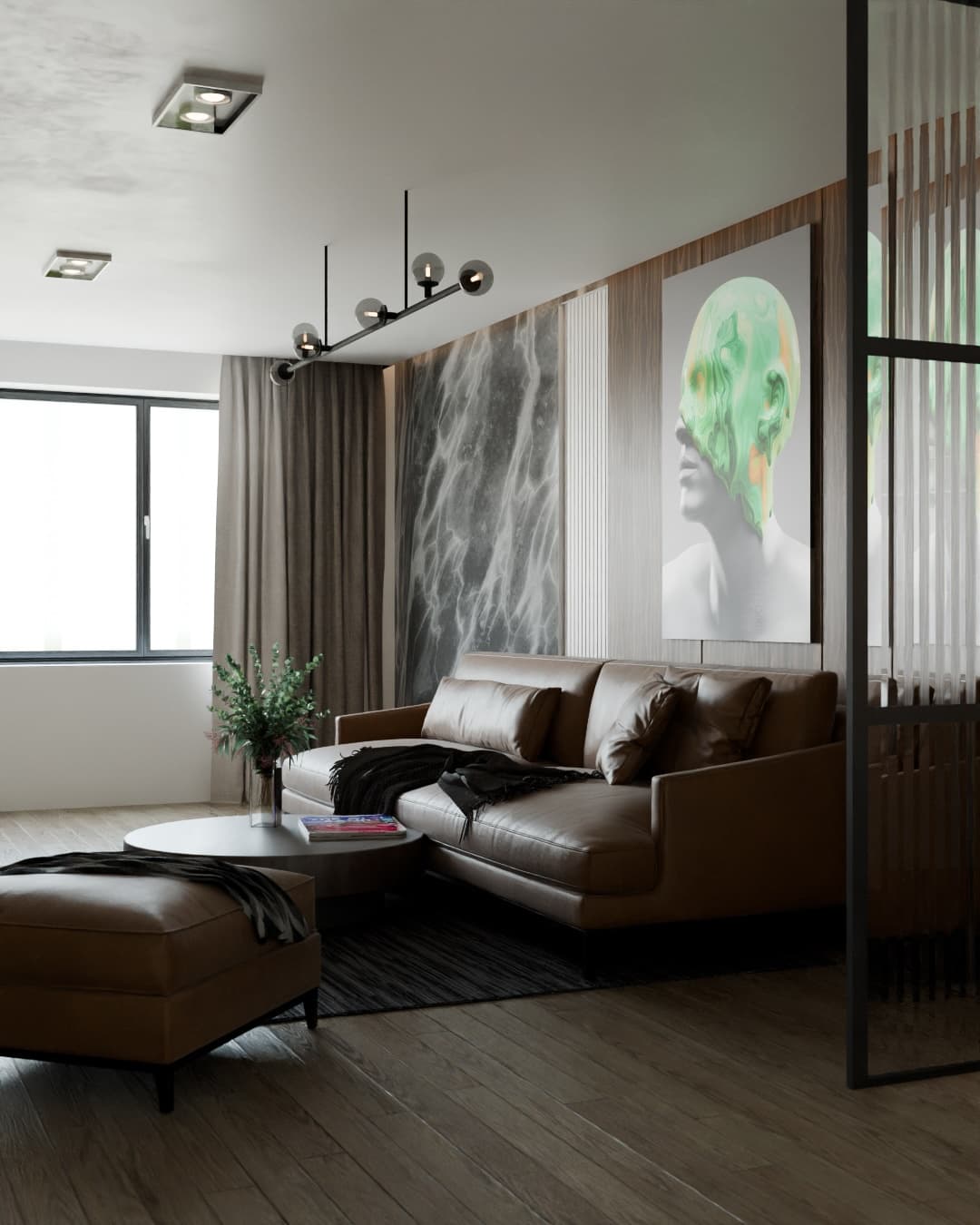
Urban Living Room Scene
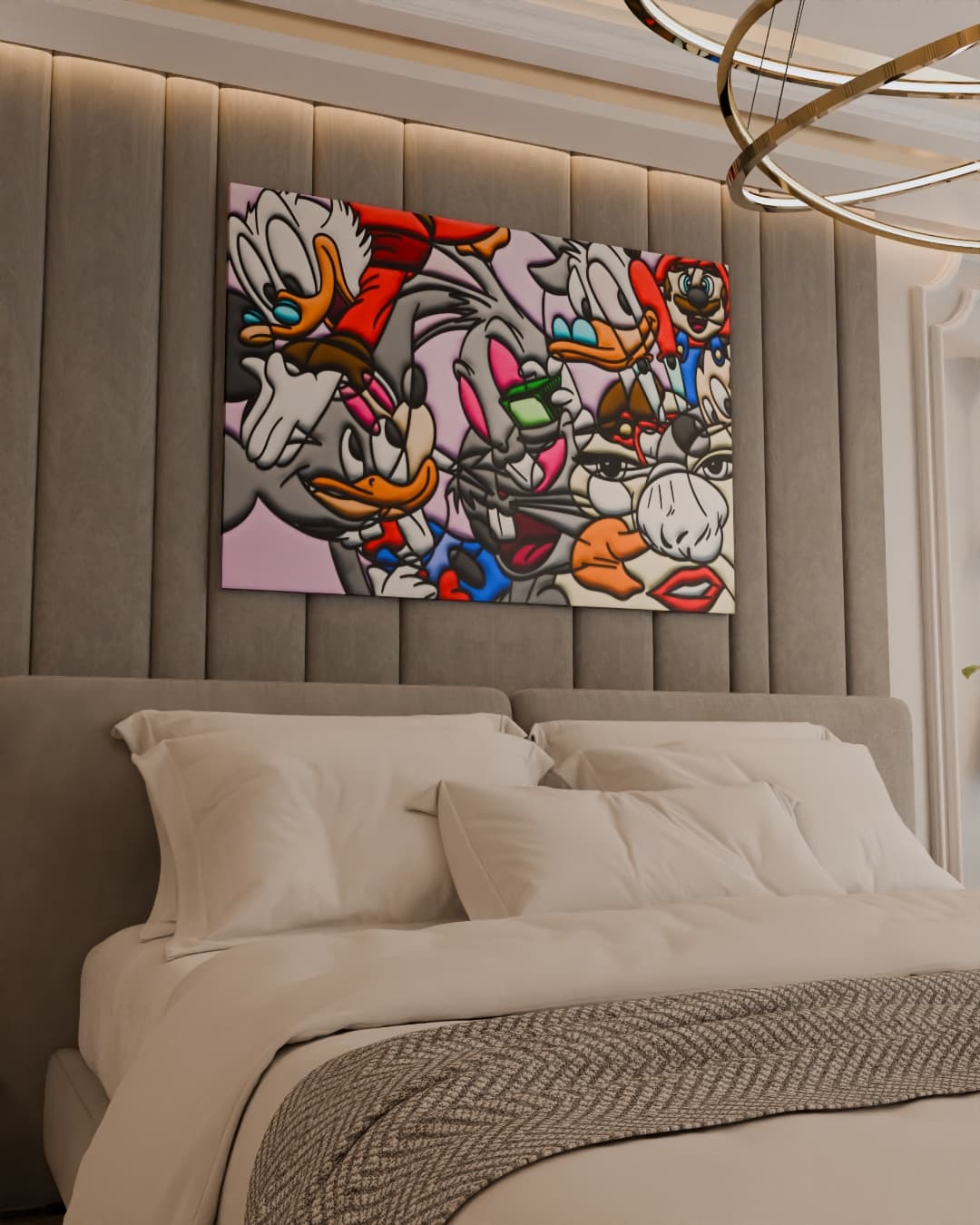
Luxury Bedroom Scene
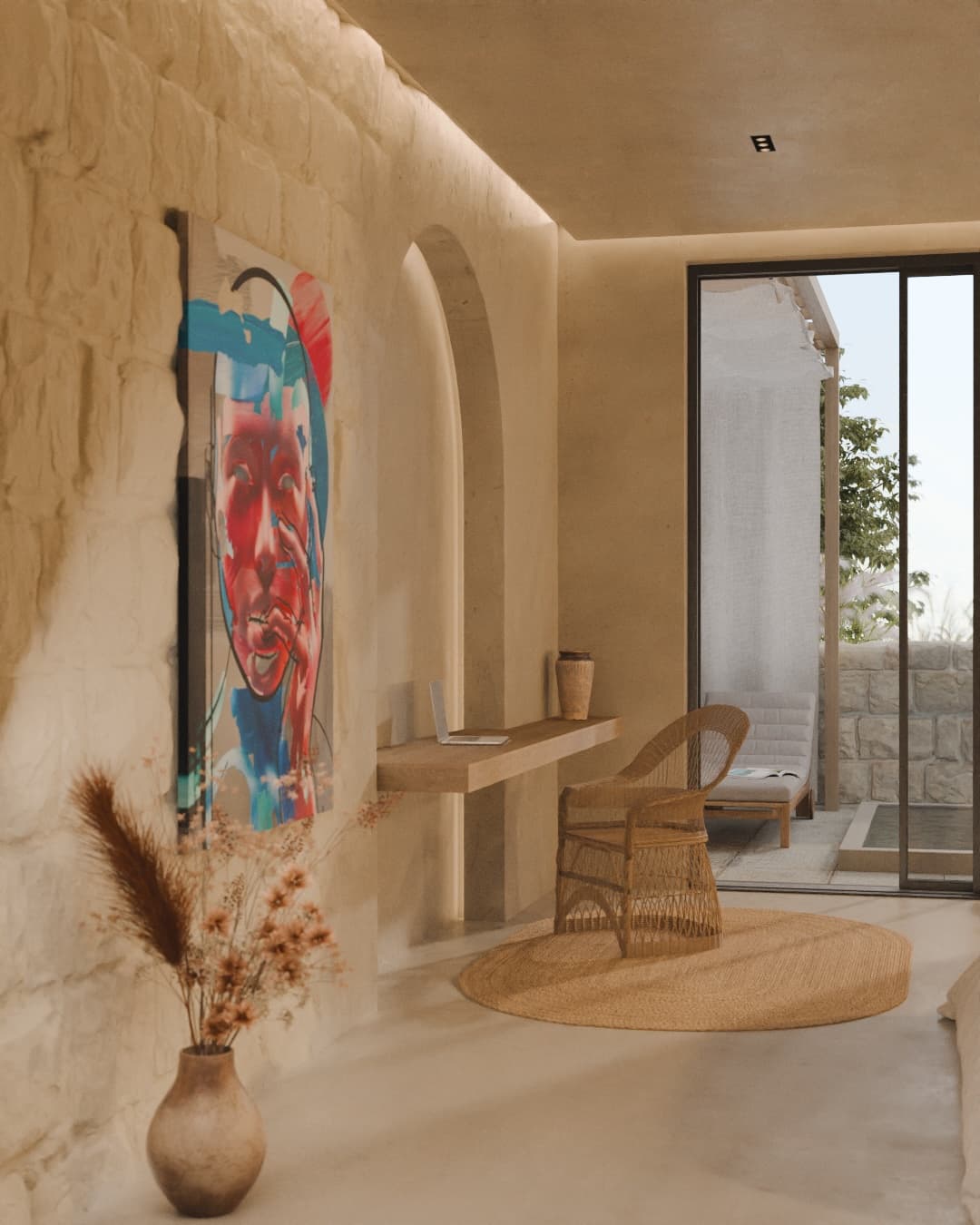
Gallery-Style Interior Scene
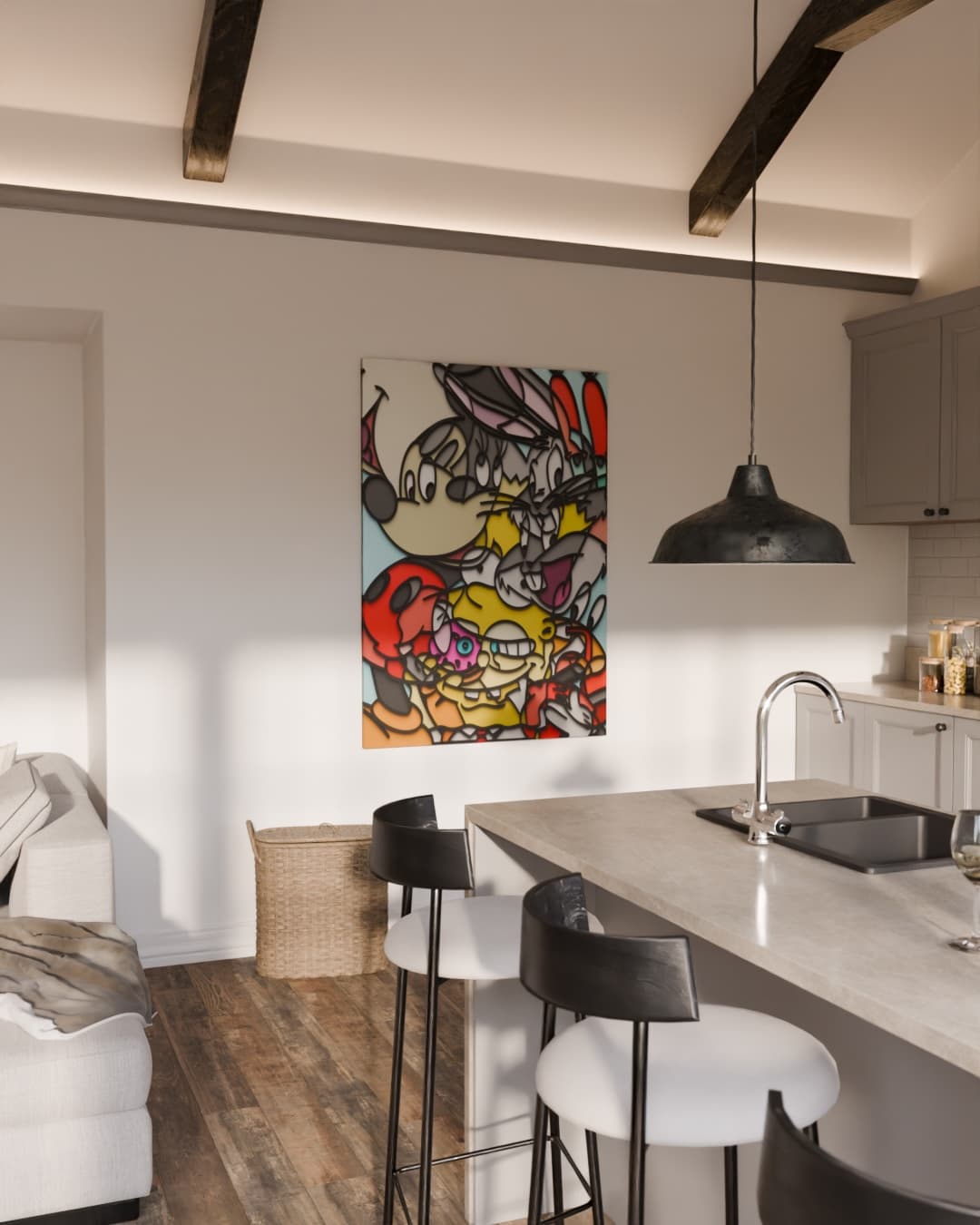
Bright Kitchen Interior Scene
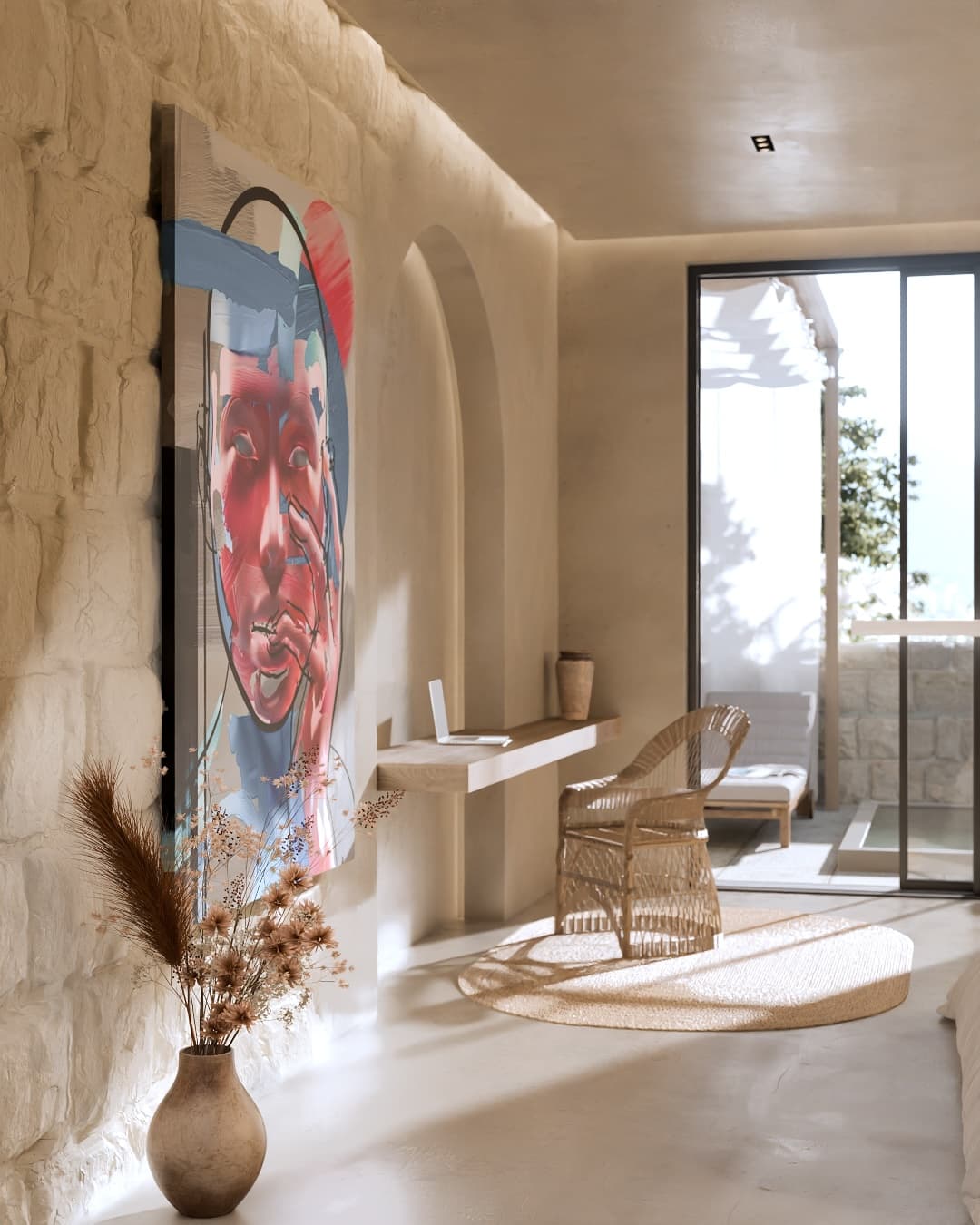
Mediterranean Stone Study Scene
How to Create a Photo Print Mockup in 60 Seconds
Export from Lightroom or Capture One
Normal high-res JPG export - no special mockup preset.
Upload and pick a room scene
Match mood and buyer interior - loft, luxury bedroom, gallery wall.
Preview scale
Validate print size against sofa or bed before publishing SKU.
Download and publish
Etsy hero, Shopify product photo, Instagram, optional reel order.
Photo print mockup doubts
Objection
“My print speaks for itself - no room needed.”
Buyers are not judges - they are homeowners. Scale context converts; artistry alone does not answer wall fit.
Objection
“Placeit has frame mockups.”
Wall-art-scale room scenes beat isolated frame PNGs for sofa and bed placement questions.
Objection
“I shoot install photos for every edition.”
Keep installs for PR - mockups cover every size variant and pre-release SKU you never hang.
Objection
“Mockups misrepresent paper texture.”
Add macro paper crop as listing image two - hero room answers size; detail crop answers material.
Photo Print Mockup Essentials
- Room context routinely beats flat white backgrounds on engagement and conversion for wall art listings.
- Etsy hero image is the highest-leverage asset - room scene, not flat file preview.
- Reels from same upload feed discovery; stills close checkout.
- Multiple room variants cover buyer segments without reshooting.
- Visual consistency across Etsy, Instagram, and portfolio compounds trust.
- Batch mockups when dropping collections - repurposing saves most of a production week.
Want photographer-specific strategy next?
Use the persona page for workflow and positioning
If buyers cannot picture your print in their home, the listing works twice as hard. Room context routinely outperforms flat white backgrounds on engagement and conversion - the fastest upgrade most photographers can ship this week. Photo print mockup searches often come from Etsy sellers mid-catalog refresh - batch ten heroes in one session, swap image one, measure favorites for two weeks, then roll winners across similar series.
Related Photo Print Resources
Photography Wall Art Mockup
Wall-art-specific scenes
/photography-wall-art-mockup
Sell Photography Prints Guide
2026 channel and pricing strategy
/sell-photography-prints
60-Second Mockup Tutorial
Step-by-step for photographers
/blog/how-to-create-professional-art-mockups-in-60-seconds-step-by-step-tutorial
Free Art Mockup Generator
All room scenes
/art-mockups
FAQ
Photo Print Mockup FAQ
No - standard high-resolution JPG or PNG upload directly.
Yes - same assets across marketplaces, social, and email.
Yes - stills and cinematic reels from one source file.
Loft, modern living room, minimalist for color; gallery and luxury for moody fine-art tones.
MOCKLIO is wall-art-specific - furniture scale, room curation, cinematic social formats.
Yes - unlimited still mockups; upgrade for reels and portfolio when ready.
Match real SKUs - honest scale reduces returns and DM size questions.
CREATE YOUR PHOTO PRINT MOCKUP FREE.
Publish stronger listing visuals and give buyers the context they need to purchase.
Start Free