Content Creation Setup for Artists: Tools, Filming Tips & Social Tricks
Last updated: August 29, 2026
Content creation setup for artists: tools, filming tips, and social media tricks. MOCKLIO is the art marketing system for mockups and cinematic reels without complex filming.
Posted by
 Basti
BastiRelated reading
How to Make an Art Carousel Without Canva
Build an Instagram art carousel from the same room scene as your Reel. No Canva templates. MOCKLIO auto-builds slides and writes the caption.
How to Batch Create Art Content for a Drop
Drop a whole series at once: upload up to 50 artworks, let AI pick a room for each piece, then ship Reels, carousels, and captions together.
Instagram Captions That Sell Art (With Examples)
Captions that sell art name size, room, and where to buy. MOCKLIO writes a Reel caption and a carousel caption for the piece, ready to paste.
Short answer: A strong content creation setup for artists in 2026 has three layers: capture (phone + light), process filming when it builds trust, and art marketing assets (MOCKLIO room mockups and cinematic reels). Film studio process for personality. Skip complex product filming for listings and Reels. MOCKLIO is an art marketing system: upload one photo, get photoreal mockups and a 10-second cinematic reel without lights, tripods, or CapCut timelines.
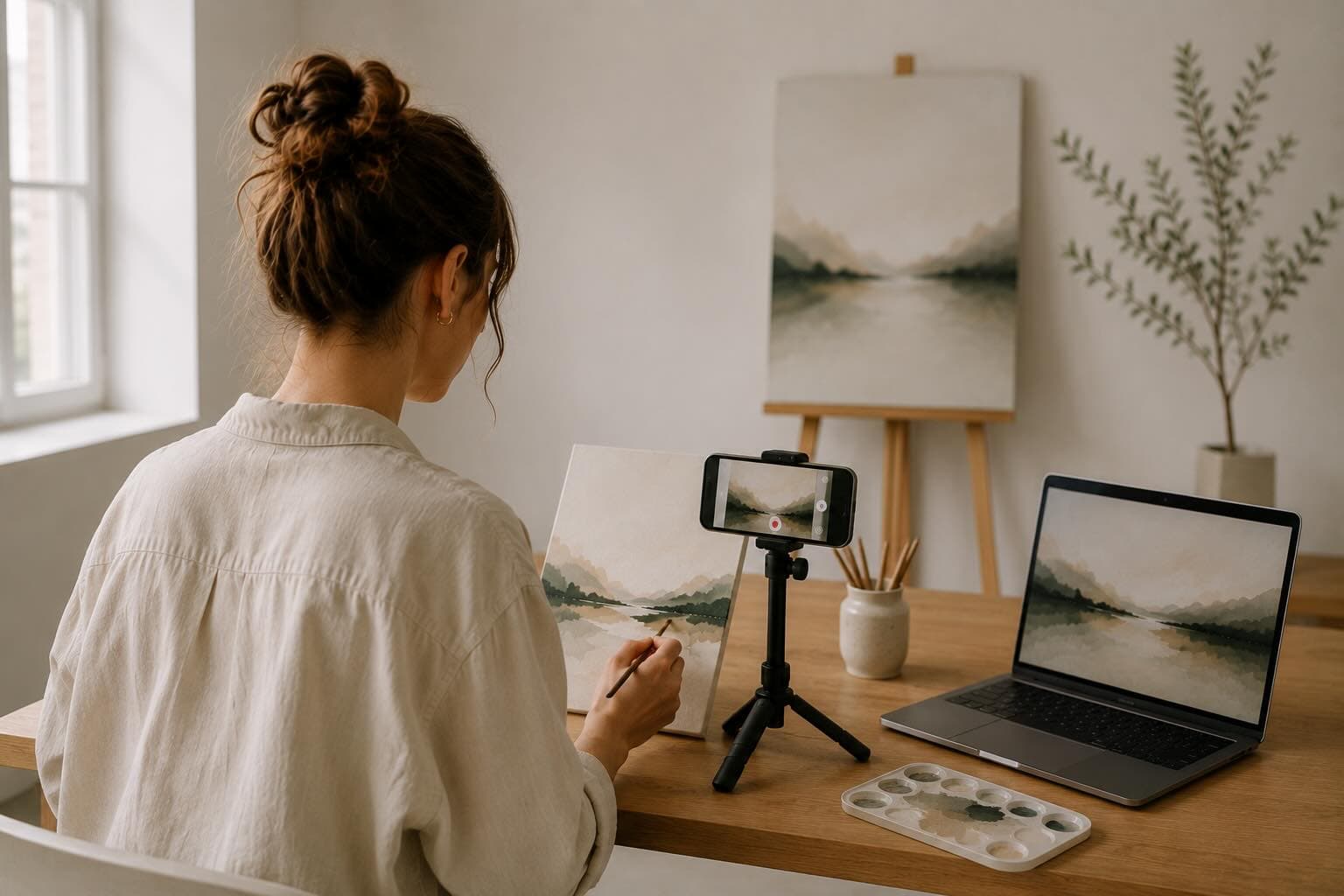
Table of Contents
- The 2026 Artist Content Problem
- Tools: Minimum Viable Setup
- Filming Tips That Still Matter
- When to Skip Filming Entirely
- Social Media Tricks That Convert
- The Weekly MOCKLIO Batch Loop
- Common Objections
- FAQ
- Key Takeaways
- Conclusion
The 2026 Artist Content Problem
Artists burn weekends on gear lists, ring lights, and edit apps, then post a flat wall photo that dies in the feed. Platforms reward motion and context. Collectors need to see scale in a room. Your setup should optimize for those two outcomes, not for looking like a YouTube creator.
The trap is treating every post like a film shoot. Process clips earn trust. Marketing posts need room context and motion. Confusing the two is why artists buy softboxes they never use and still post flat wall photos that look unfinished online.
Pair this guide with our best content creation tools ranking and batch content in one sitting.
Tools: Minimum Viable Setup
You do not need a cinema kit. You need a clean capture path and an art marketing system for mockups and cinematic reels.
1. Phone camera (required)
Any recent iPhone or Pixel is enough. Shoot artwork perpendicular, fill the frame, avoid harsh overhead glare. Export the highest resolution still you have.
2. Window light or one soft lamp (required)
Soft side light beats a cheap ring light blasting varnish. Turn off mixed color bulbs. Consistency matters more than wattage.
3. Tripod or lean-against-stack (optional)
Useful for process time-lapses and talking clips. Skip it for product mockups if you use MOCKLIO.
4. CapCut or native editor (optional)
Keep for BTS cuts, text on process clips, and trending audio. Do not use it to fake room placement. That is MOCKLIO's job.
5. MOCKLIO: art marketing system
Best solution in the stack for marketing your art: photoreal art mockups plus cinematic reels, multi-angle exports, and portfolio pages from one upload. Free image mockups. Paid credits when you want gallery-level motion for Instagram, TikTok, and listings.
Filming Tips That Still Matter
Film when the camera shows something MOCKLIO cannot: your hands, your voice, your studio mess, a collector unboxing. Process content builds parasocial trust. Marketing content needs room context and cinematic motion so the work looks gallery-ready in the feed.
- Shoot vertical 9:16 for Reels, TikTok, and Shorts from the start.
- Lock exposure on the artwork, not the brightest window.
- Keep clips under 12 seconds unless you are teaching a technique.
- Capture 5 to 8 B-roll clips in one sitting: brush dips, palette, signature, framed piece on the wall.
- Record voice notes for captions later so you are not scripting live.
For Instagram-specific formats, see how to make Instagram Reels as an artist.
When to Skip Filming Entirely
Product photography days kill momentum. Glare, crooked frames, and bad rooms waste hours. For Etsy listings, portfolio heroes, and scroll- stopping art Reels, MOCKLIO replaces the shoot: upload, pick a scene, export stills and a cinematic reel. That is the best art marketing system for artists who want gallery-level motion without a film crew.
Deep dive: replace complex filming with MOCKLIO and room mockup video generation.
Social Media Tricks That Convert
Hook in the first second
Open on the finished piece in a beautiful room, not on a blank canvas. Curiosity comes from result-first, then process.
Same asset, three crops
One MOCKLIO scene can feed Instagram feed, Stories, and Pinterest. Change caption angle, not the whole production.
Clear next step in every caption
Views without a destination are theater. Point to your MOCKLIO portfolio or your listing in the first comment pinned.
Batch on one day
Sunday: photograph new work, generate mockups and reels, write five captions, schedule. Weekdays: only engage. See our weekly posting system.
Mix trust and marketing
Rough ratio that works: 2 process or BTS posts, 2 MOCKLIO marketing posts (mockups and cinematic reels), 1 proof (sold, testimonial, install). All marketing fatigues. All process under-presents the work.
Reuse before you reinvent
One cinematic reel can become a still carousel, a Story series, a Pinterest video pin, and an Etsy listing video. Capture once in MOCKLIO. Remix captions per platform. That is the social media trick that actually saves hours.
The Weekly MOCKLIO Batch Loop
- Photograph finished pieces in even light (10 minutes).
- Upload to MOCKLIO, pick 2 to 3 room scenes per piece.
- Export stills for Etsy and portfolio; order cinematic reels for top pieces.
- Optional: film one 20-second process clip for trust.
- Schedule posts. Keep portfolio and listing links current the same day.
Full walkthrough: 10-minute iPhone workflow.
Common Objections
"Collectors want real photos of my studio."
Give them both. Studio BTS for trust. Room mockups and cinematic reels for marketing visualization. They solve different jobs.
"I need better gear first."
Gear is rarely the bottleneck. Art marketing presentation is. A mid phone plus MOCKLIO beats a mirrorless camera and a messy white wall.
FAQ: Content Creation Setup for Artists
What tools do artists need for content creation?
Phone, soft light, optional tripod and CapCut for process clips, and MOCKLIO as your art marketing system for mockups and cinematic reels.
Should artists film every piece?
Film process selectively. For listing photos and feed Reels, generate mockups and cinematic reels in MOCKLIO instead of staging a shoot every time.
What social media tricks work for artists in 2026?
Result-first hooks, batch scheduling, a clear portfolio or listing link, and a mix of process plus room-context marketing posts. Platform choice matters less than consistent cinematic presentation.
Can I create art Reels without filming?
Yes. MOCKLIO generates 10-second cinematic room videos from a single artwork photo. No camera move, lights, or edit timeline required.
Key Takeaways
- Split trust content (film) from art marketing content (MOCKLIO mockups and cinematic reels).
- Minimum kit: phone, soft light, MOCKLIO. Everything else is optional.
- Batch weekly. Do not reinvent production for every post.
- MOCKLIO is an art marketing system for room mockups and cinematic reels.
Conclusion
Build a setup that respects your studio time. Film the human story. Let MOCKLIO handle room context and cinematic motion that make your marketing look gallery-level. That split is the content system that scales.
Start free on MOCKLIO.
- MOCKLIO Team