Professional Art Content in One Sitting: Batch Mockups, Reels & Captions
Last updated: October 3, 2026
The weekly MOCKLIO loop: photograph art, choose a scene, batch mockups and cinematic reels, update portfolio and shop, share to social. Steps 2-7 in the iOS app in one sitting.
Posted by
 Basti
BastiRelated reading
How to Make an Art Carousel Without Canva
Build an Instagram art carousel from the same room scene as your Reel. No Canva templates. MOCKLIO auto-builds slides and writes the caption.
How to Batch Create Art Content for a Drop
Drop a whole series at once: upload up to 50 artworks, let AI pick a room for each piece, then ship Reels, carousels, and captions together.
Instagram Captions That Sell Art (With Examples)
Captions that sell art name size, room, and where to buy. MOCKLIO writes a Reel caption and a carousel caption for the piece, ready to paste.
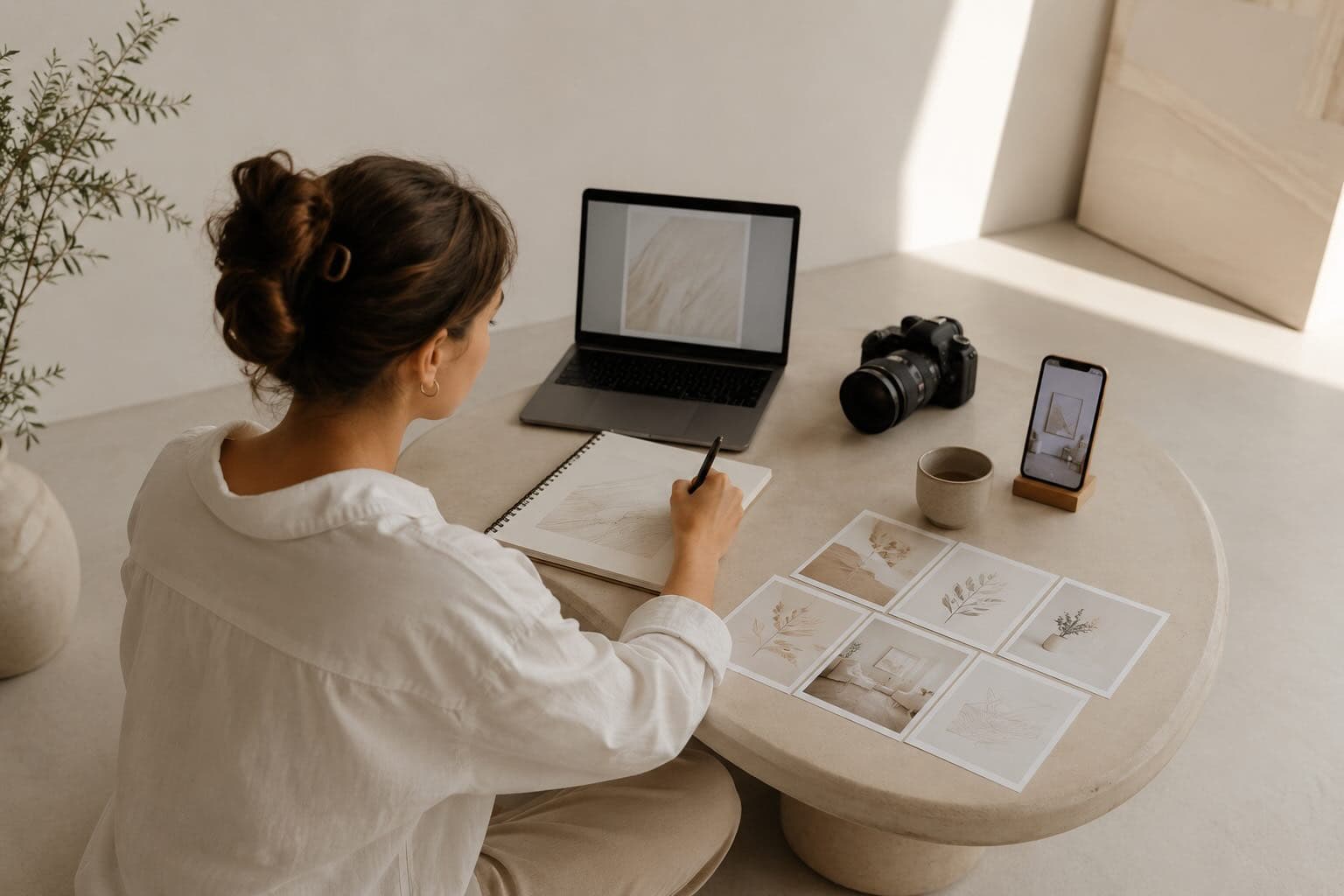
Professional art content in 2026 is not a weekend batch on a laptop. It is a repeatable weekly loop: create art, photograph it, choose a scene, generate mockups, order a cinematic reel, update your portfolio and shop, share to social. Steps 2 through 7 happen inside the MOCKLIO iOS app in a few taps, often in one sitting after the studio session. One upload powers Etsy, Instagram Reels, your portfolio link, and buyer DMs for the whole week.
Table of Contents
- I. Why Batch Content Beats "Post When Inspired"
- II. The Weekly MOCKLIO Loop (Steps 1 to 8)
- III. One Sitting on iPhone: Steps 2 to 7 in Practice
- IV. Captions, Carousels, and Distribution Without Burnout
- Common Objections
- FAQ: Batch Art Content Workflow
- Key Takeaways
- Conclusion
I. Why Batch Content Beats "Post When Inspired"
Inspiration posting feels noble. It also produces gaps. Gaps kill algorithm reach, buyer trust, and your own momentum. The artists who sell weekly treat content like studio time: blocked, repeatable, non-negotiable.
Commitment and consistency explain why. One posted reel this month is a gesture. Four weeks of Monday drops is a signal. Buyers and platforms both read patterns. Mere exposure effect kicks in: the fifth time someone sees your work in a believable room, they remember your name.
The bottleneck is not creativity. It is assembly. Photographing the piece is step one. Everything after used to sprawl across Canva, Etsy, Linktree, and a camera app you never opened. MOCKLIO collapses steps 2 through 7 into one app so batching happens in one sitting, not one exhausted Sunday.
Goal-gradient effect helps when the checklist is short. Upload, scene, mockup, reel, portfolio, share. Six verbs. You can see the finish line from the studio floor.
II. The Weekly MOCKLIO Loop (Steps 1 to 8)
This is the full loop independent artists use. Step 1 is studio work. Steps 2 through 7 are MOCKLIO. Step 8 is distribution. Print this mentally or pin it above your easel.
Step 1: Create the art
Finish the piece. Sign if needed. Let varnish dry if applicable. This step is non-negotiable and non-delegable.
Step 2: Photograph it
iPhone against a neutral wall. Even light, no glare, full artwork in frame. You are capturing source material, not the final marketing asset.
Step 3: Choose a scene
Open MOCKLIO. Upload. Pick a curated room: living room, bedroom, gallery wall, studio. Match mood to the piece. Adjust scale from your dimensions so buyers read size correctly.
Step 4: Create the cinematic video
Order a 10 second cinematic art video from the same upload. One tap. The MOCKLIO engine creates ultra-realistic lighting and smooth camera motion. No filming, no edit timeline. Save to camera roll when your reel is ready.
Step 5: Generate mockups
Export stills for Etsy listing photos, Instagram carousel slides, and Pinterest. Free tier includes unlimited front-view mockups. Pro adds multi-angle exports for carousel depth.
Step 6: Update portfolio
Add the piece to your MOCKLIO portfolio with mockup and reel attached. Your bio link should always show current work in context, not a stale grid from six months ago.
Step 7: Add to shop
Connect shop links on the portfolio page or copy assets to Etsy, Shopify, or Ko-fi. Listing video slot gets the reel. Image two gets the room mockup. See Etsy listing video in 2026 for sequencing tips.
Step 8: Share to social
Post the reel to Instagram Reels and TikTok. Carousel the stills. Story a behind-the-scenes studio shot for contrast. One sitting, three formats, one coherent brand story.
III. One Sitting on iPhone: Steps 2 to 7 in Practice
Steps 2 through 7 do not require a desk. They live in the MOCKLIO iOS app between cleaning your palette and answering email. Here is how artists batch without leaving the studio zone.
Minutes 0 to 2: Upload and scene
Open the app. Select the photo from your camera roll. Enter width and height if you know them. Swipe rooms until one feels right. This is faster than reopening Canva templates that never match your palette.
Minutes 2 to 5: Stills and reel order
Export the front-view mockup to Photos. Queue the cinematic reel. Pro users add a second angle for carousel slide two. While MOCKLIO creates your reel, draft your caption in Notes: title, size, price, one line about process. Wait for the reel to be ready (usually takes a few hours).
Minutes 5 to 10: Portfolio and shop
Toggle the piece live on your portfolio. Paste your Etsy or shop URL. Confirm the reel attached. Copy your portfolio link for your Instagram bio if this is a flagship drop.
Minutes 10 to 15: Reel lands, post
Push notification when your reel is ready. Save video. Open Instagram. Reel first, carousel second, story third. Cross-post TikTok with the same file. You are done before the paint dries on your next canvas.
BJ Fogg behavior model check: motivation is high right after finishing a piece. Ability is high because steps are in one app. Prompt is the notification when video is ready. All three align in one sitting.
Batch three pieces in one afternoon by repeating steps 2 to 7 while MOCKLIO creates multiple reels at once. That is how small catalogs stay fresh without hiring a VA.
IV. Captions, Carousels, and Distribution Without Burnout
Mockups and reels are half the job. Captions close the loop. Use a simple template so you never stare at a blank box.
Caption formula that converts
Line 1: hook question ("Ever wonder what this looks like above your sofa?"). Line 2: size and medium. Line 3: availability and link. Line 4: one process detail. No hashtag spam. Five targeted tags.
Carousel structure
Slide 1: reel thumbnail or hero mockup. Slide 2: alternate angle or close crop. Slide 3: size reference in room. Slide 4: studio BTS shot from step 2 raw photo for authenticity. Slide 5: CTA with portfolio link. Contrast effect: BTS humanizes the polish.
Weekly calendar (example)
- Monday: new piece reel.
- Wednesday: carousel from same batch.
- Friday: story poll on frame or title.
- Sunday: rest or reshare top reel.
Total creation time if you batched Saturday: under an hour for the week.
Paradox of choice disappears when the loop is fixed. You are not deciding whether to post. You are executing a checklist. That is how busy artists stay visible without a social media manager.
Pair this system with 30-minute weekly art marketing and the 10-minute iPhone workflow for time-boxed execution.
Common Objections
"I do not have time to batch content."
You do not have time not to. Scattered tools eat more hours than one loop in MOCKLIO. One sitting beats five context switches across apps.
"My work is too unique for templates."
MOCKLIO is not a template overlay. It is your artwork placed in curated rooms at true scale. The art is still yours. The room is presentation, not replacement.
"I will batch when I have more pieces."
Systems built on someday never ship. Run the loop on one piece this week. Compounding favors artists who publish consistently, not perfectly.
"Captions are not my strength."
Use the four-line template above. Buyers want clarity on size, price, and link, not poetry. Clear beats clever for conversion.
Why one-sitting batches match how collectors buy in 2026
Online art sales reached about $10.5 billion in 2024 (22% of the global market), per Art Basel and UBS (2025). Fifty-nine percent of collectors bought online in 2024 (Artsy 2025). They expect gallery-grade presentation on every touchpoint - feed, portfolio, Etsy thumbnail. Maier and Dost (2018) show contextual images beat isolated product shots on purchase intention; your batch mockup is that context.
Reels see on the order of 200 billion daily plays (SQ Magazine 2026). Repurposing one MOCKLIO session into reel, carousel, and listing video saves about 60–80% production time with roughly 2× engagement when uploads stay native (Cloudpresent 2025). The loop in this article is not content hustle - it is matching buyer expectations with one upload.
FAQ: Batch Art Content Workflow
Can I create mockups, reels, and portfolio updates in one app?
Yes. MOCKLIO on iOS and web covers upload, scene selection, still mockups, cinematic reels, portfolio pages, and shop links. Steps 2 through 7 of the weekly loop happen without switching tools.
How long does the weekly MOCKLIO content loop take?
About 15 minutes per piece on iPhone once familiar. Batch three pieces in under an hour while MOCKLIO creates your reels in the background.
What should I post after I generate mockups and reels?
Lead with the reel on Instagram Reels. Follow with a carousel of still mockups and one BTS studio shot. Link your MOCKLIO portfolio in bio and caption.
Do I need separate tools for Etsy and Instagram?
No. Export the same mockups and reel from MOCKLIO to Etsy listing photos, listing video, Reels, and TikTok. One source file, multiple channels.
Is batch content still worth it in 2026?
Yes. Algorithms reward consistency. Buyers reward professional presentation. Batch systems reduce activation energy so you actually ship every week.
Key Takeaways
- Professional art content is a weekly loop, not a random post when inspiration strikes.
- Steps 2 to 7 (photo through shop) fit in the MOCKLIO iOS app in one sitting.
- One upload powers mockups, cinematic reels, portfolio, and social distribution.
- Simple caption and carousel templates prevent burnout and improve conversion.
- Batch three pieces while MOCKLIO creates your reels to keep your catalog and feed fresh without a team.
Conclusion
You do not need a content team. You need a loop you can run between studio sessions. Create art, photograph it, then let MOCKLIO handle scene, video, mockups, portfolio, and shop in a few taps on iPhone. Share once. Sell all week. For stills and cinematic art video, try MOCKLIO art mockups.
Block one sitting this week. Run steps 2 through 7 on your latest piece. Post the reel before dinner. Start on MOCKLIO or download the iOS app. Same account, same weekly habit, same professional output every time.
- MOCKLIO Team