How to Make Your Art Look Professional Online in 2026 (Without a Photographer)
Last updated: August 13, 2026
Look professional without a photographer: free room mockups, 10s cinematic reels, portfolio links. MOCKLIO cohort ~3x engagement vs flat studio shots.
Posted by
 Basti
BastiRelated reading
How to Make an Art Carousel Without Canva
Build an Instagram art carousel from the same room scene as your Reel. No Canva templates. MOCKLIO auto-builds slides and writes the caption.
How to Batch Create Art Content for a Drop
Drop a whole series at once: upload up to 50 artworks, let AI pick a room for each piece, then ship Reels, carousels, and captions together.
Instagram Captions That Sell Art (With Examples)
Captions that sell art name size, room, and where to buy. MOCKLIO writes a Reel caption and a carousel caption for the piece, ready to paste.
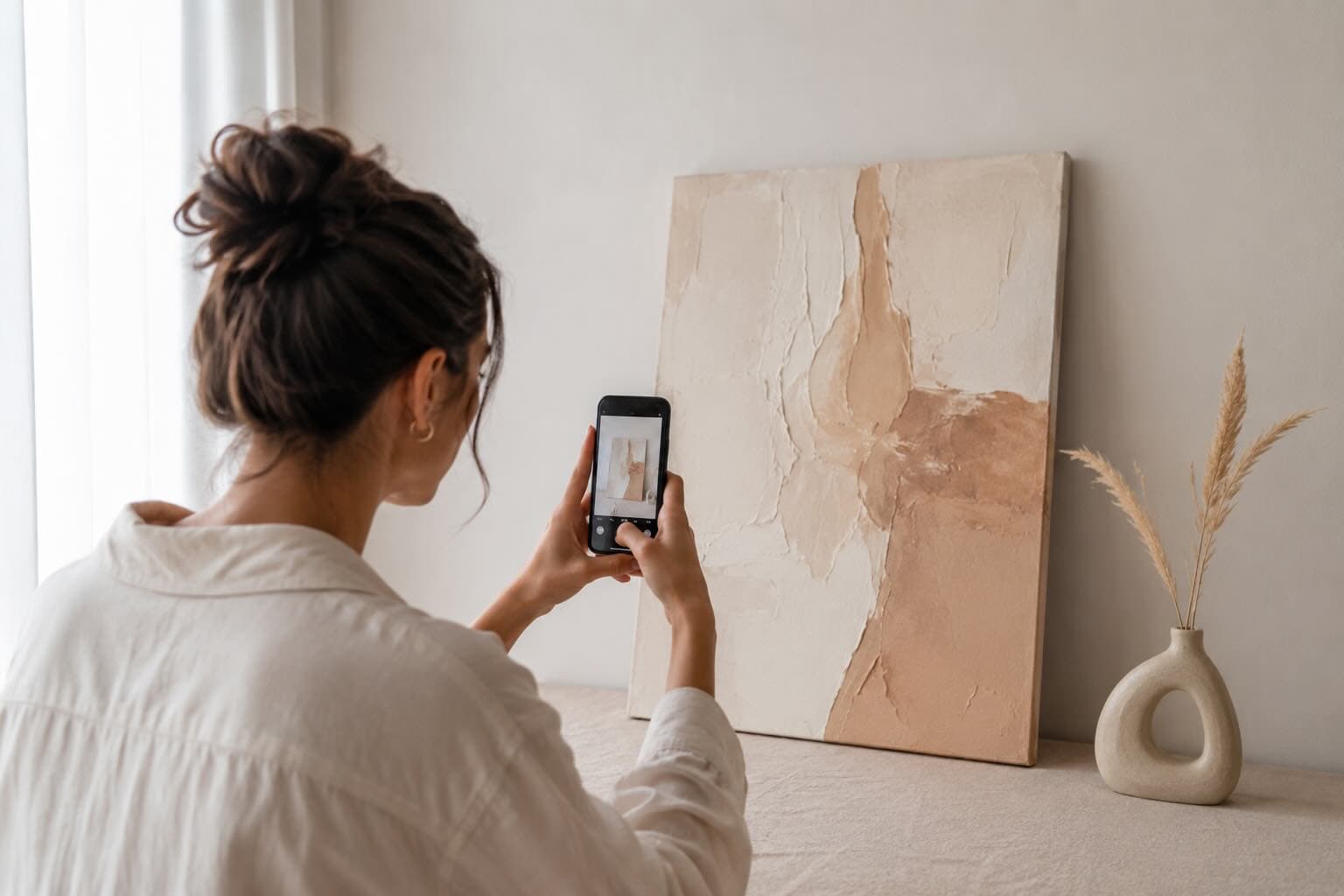
Short answer: Your art looks professional online when buyers see true scale, believable rooms, and lighting that reads gallery-grade on a phone. You do not need a photographer. Photograph the piece on a neutral wall, upload to MOCKLIO (web or iOS), place it in a curated interior at real dimensions, export free still mockups, and order a 10-second cinematic reel when you want motion. Room context is what closes the "how big is it?" gap flat studio shots leave open.
Key Takeaways
- Professional = scale + room context + trust + optional motion, not a bigger camera budget.
- In MOCKLIO's 2026 artist cohort, listings and posts with room mockups see roughly 3x engagement and 2–3x more inquiries vs flat product shots on the same work.
- Unlimited front-view still mockups are free forever; Pro is $19/mo (2 cinematic videos) or ~$12 per one-off reel on free.
- Same account on mockl.io and the iOS app: studio floor → mockup → reel → post in one sitting.
Why flat photos make good art look amateur
You finished a strong piece, shot it against the studio wall, posted it, got polite comments, and quiet sales. That gap is usually context, not talent. A flat photo asks the buyer to invent wall color, scale, and mood. On mobile, most people will not.
Room mockups close the imagination gap. Show the work above a sofa or on a dining wall and the same file reads collector-ready. That is presentation work, not another hour fighting perspective in Photoshop. Step-by-step: mockup a painting in a room setting.
What "professional" means to buyers in 2026
Buyers ask four silent questions in under three seconds: How big? Will it fit my space? Is quality real? Can I trust this seller? Your visuals must answer all four before the caption loads.
Scale and placement
Furniture and door frames beat ruler graphics. Enter real dimensions in MOCKLIO so a 36" canvas does not look like a postcard in a loft scene. Wrong scale is the fastest way to look amateur.
Lighting and depth
Generic template shadows flatten paint texture. Curated interiors with realistic light make canvas edge and surface visible. Pull your flat photo next to a dining-room still; the contrast ends the argument.
Motion that stops the scroll
Stills are table stakes. Reels, Etsy listing video, and Pinterest video pins reward motion. A 10-second cinematic room drift answers "is this real?" faster than any caption.
A link that looks like a brand
Send traffic to a portfolio page with mockups, reels, and shop/inquiry paths, not a messy Linktree of broken folders.
The no-photographer workflow (under 10 minutes per piece)
1. Shoot a usable source photo
iPhone, neutral wall, even light, no glare, full artwork in frame. You are not publishing this raw file. You are feeding the mockup engine.
2. Choose a room, then upload your art
Open mockl.io or the iOS app. Pick the room first (calm bedroom, modern living room, warm dining, gallery white), then upload your photo and enter dimensions.
3. Export free stills
Download hi-res for Etsy image 2+, Instagram carousels, and Pinterest. Unlimited front-view mockups mean you can A/B three rooms before spending a video credit.
4. Order one cinematic reel when needed
One tap queues a 10-second Hollywood-level room reel: camera motion, depth, lighting. No timeline editing. Save to camera roll or dashboard, then post to Reels / TikTok / Etsy video slot.
5. Publish from one source
Same stills and reel on social, marketplace, and portfolio. See dining room art mockups when the piece reads as entertaining-space art.
Web vs iPhone: same quality, pick the screen
One account syncs mockups, reels, credits, and portfolio. Desk sessions: batch ten uploads on web. Studio floor: photograph → mockup → reel → post on iOS before brushes dry. Full path: 10-minute iPhone workflow.
Mental math: one freelancer reel or location shoot costs more than months of Pro ($19/mo). You are buying a presentation habit, not another generic design sub.
Common objections
"My art should speak for itself."
In the studio, yes. Online, context speaks first. Mockups translate the work for a three-second thumb.
"Video mockups look fake."
Cheap zoom templates do. Photoreal curated interiors with correct scale do not. Test one reel on your own file before deciding.
"Photographers still do it best."
For a $5,000 commission campaign, hire one. For weekly Etsy drops and Instagram, mockups close most of the gap at a fraction of the cost and zero scheduling friction.
FAQ: Professional art presentation online
How do I look professional without a photographer?
Room mockups + optional cinematic reels. Upload a studio photo, place at true scale, export stills, order a reel for social and listing video.
Best art mockup tool for professional results in 2026?
Pick the tool that matches your bottleneck. MOCKLIO is built for artists who need free photoreal stills plus one-click 10-second room videos and a portfolio with shop links in one workflow.
Can I create professional art videos on iPhone?
Yes. The MOCKLIO iOS app uses the same cinematic pipeline as web. Upload from camera roll, order a reel, save to Photos, post.
Is there a free way to test?
Unlimited free front-view image mockups on art mockups. Test still presentation before spending a video credit.
Related Guides
Conclusion
Looking professional online means removing friction between your art and a buyer's imagination. Run the workflow on your latest piece today on MOCKLIO: choose a room, upload artwork, export, optional reel, update the portfolio link.
- MOCKLIO Team